Table Of Contents
Changing your Server NameStill have questions?
Come chat with us and we will get back to you as soon as possible!

Nathan Franklin
Game Experience Engineer

How To Change The Name Of Your SCP: 5K Server
SCP 5K
·Nov 29, 2024
·2 min read
Customising your SCP: 5K server name is a great way to make it stand out in the server browser or make it easier for your friends to find. Follow this step-by-step guide to change the name of your SCP: 5K server through Shockbyte’s control panel.
#Changing your Server Name
Your server's name can be updated from the config tab in your Shockbyte Control Panel.
-
Navigate to your Control Panel.
-
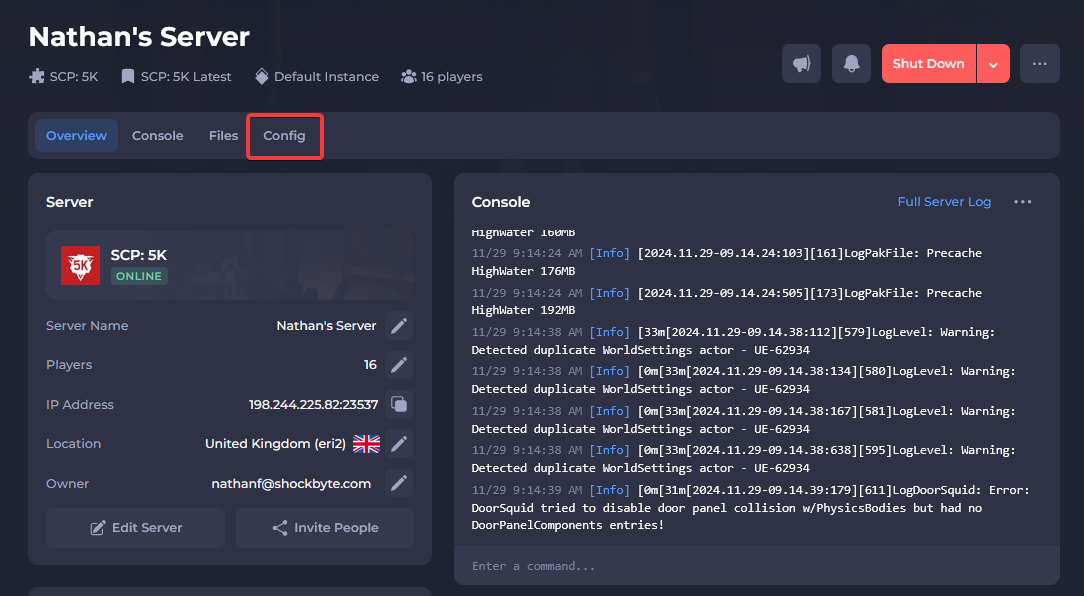
Click Config.
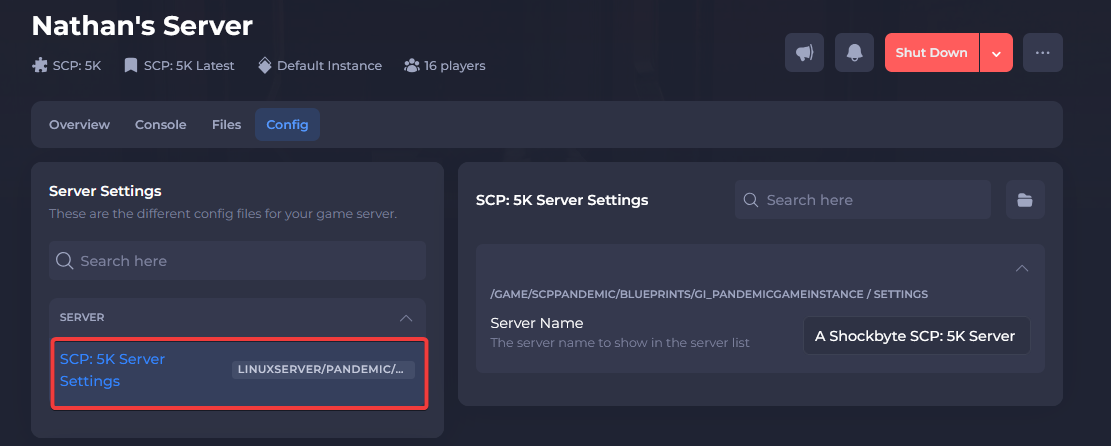
- Select SCP: 5K Server Settings.
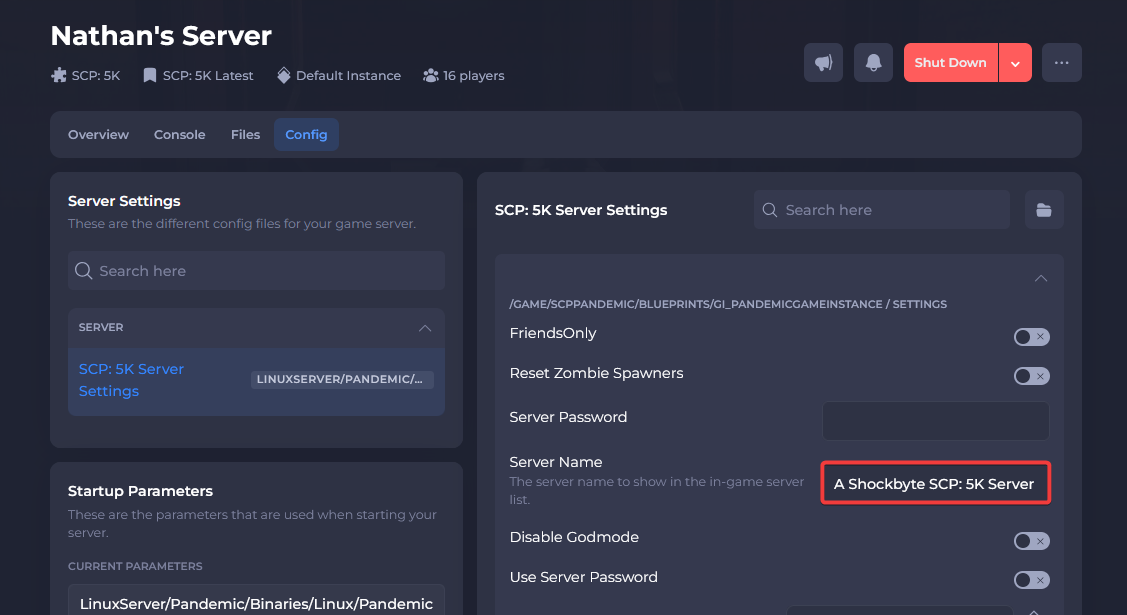
- Locate the Server Name field and enter your desired name.
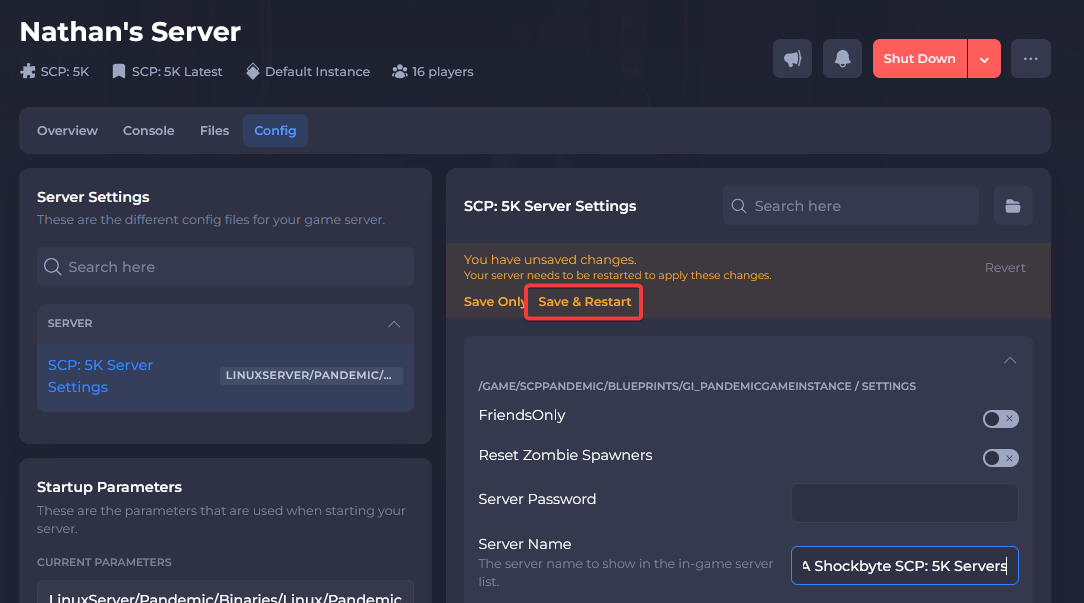
- Click Save & Restart.
You should now know how to change the name of your SCP: 5K server! If you need more help with your SCP: 5K server you can find more articles on our Knowledgebase.