How to Add a Server Token to your Mount & Blade 2: Bannerlord Server
Still have questions?
Come chat with us and we will get back to you as soon as possible!

Shockbyte
Support Team

How to Add a Server Token to your Mount & Blade 2: Bannerlord Server
A Server Token is required for you to run a Mount & Blade 2 Dedicated Server. Without it, your server will not be able to function.
Important
Once generated, a Server Token will expire after 3 months and can be used on up to 5 dedicated servers. Repeat this process every 3 months to avoid your server to stop working.
#Generating a Token
Before you can add a Token to your server, you will be required to generate one. This can be done easily using the in-game console.
- Launch Mount & Blade 2: Bannerlord Multiplayer.
- Open the in-game console by pressing the Alt + Tilde (~) keys.
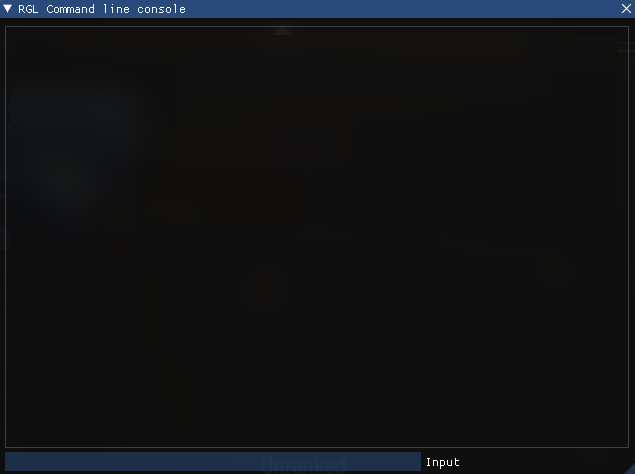
- Enter
customserver.gettokeninto the in-game console.
- Navigate to
\Documents\Mount and Blade II Bannerlord\Tokenslocally. - Open
DedicatedCustomServerAuthToken.txt, this will contain your Server Token.
#Applying Token to your Server
Once you have generated your token, you can now apply it to your server. This can easily be done using the Config Files section of your server's control panel.
- Access your control panel and Stop your server.
- Navigate to the Config tab and locate the
Server Tokenoption.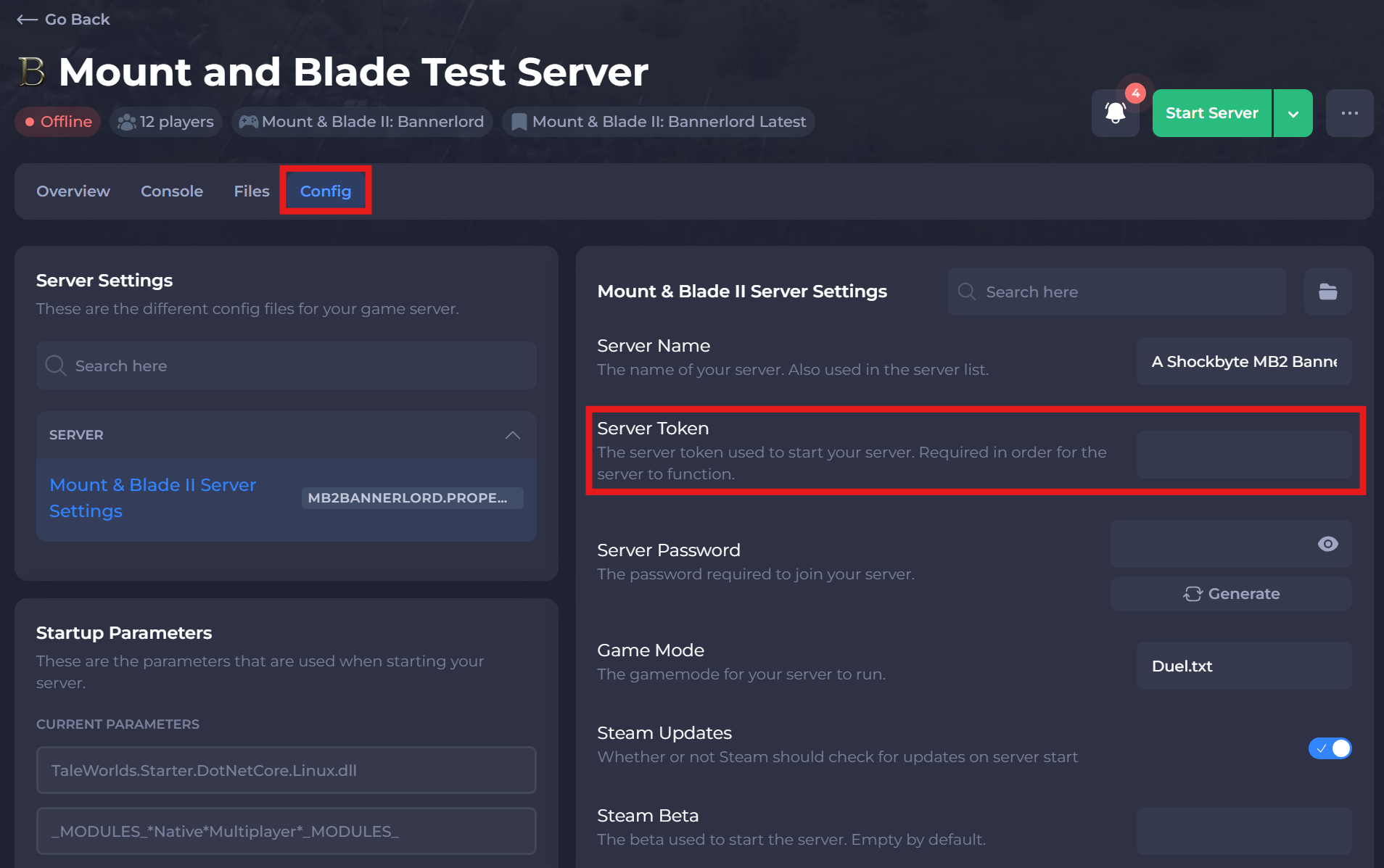
- Take your Server Token from the previous steps and input the value into the
Server Tokensetting. - Save and Start your server.
If you need help with troubleshooting your server, be sure to reach out to our support team.