Still have questions?
Come chat with us and we will get back to you as soon as possible!

Ruben B
Partnership Manager
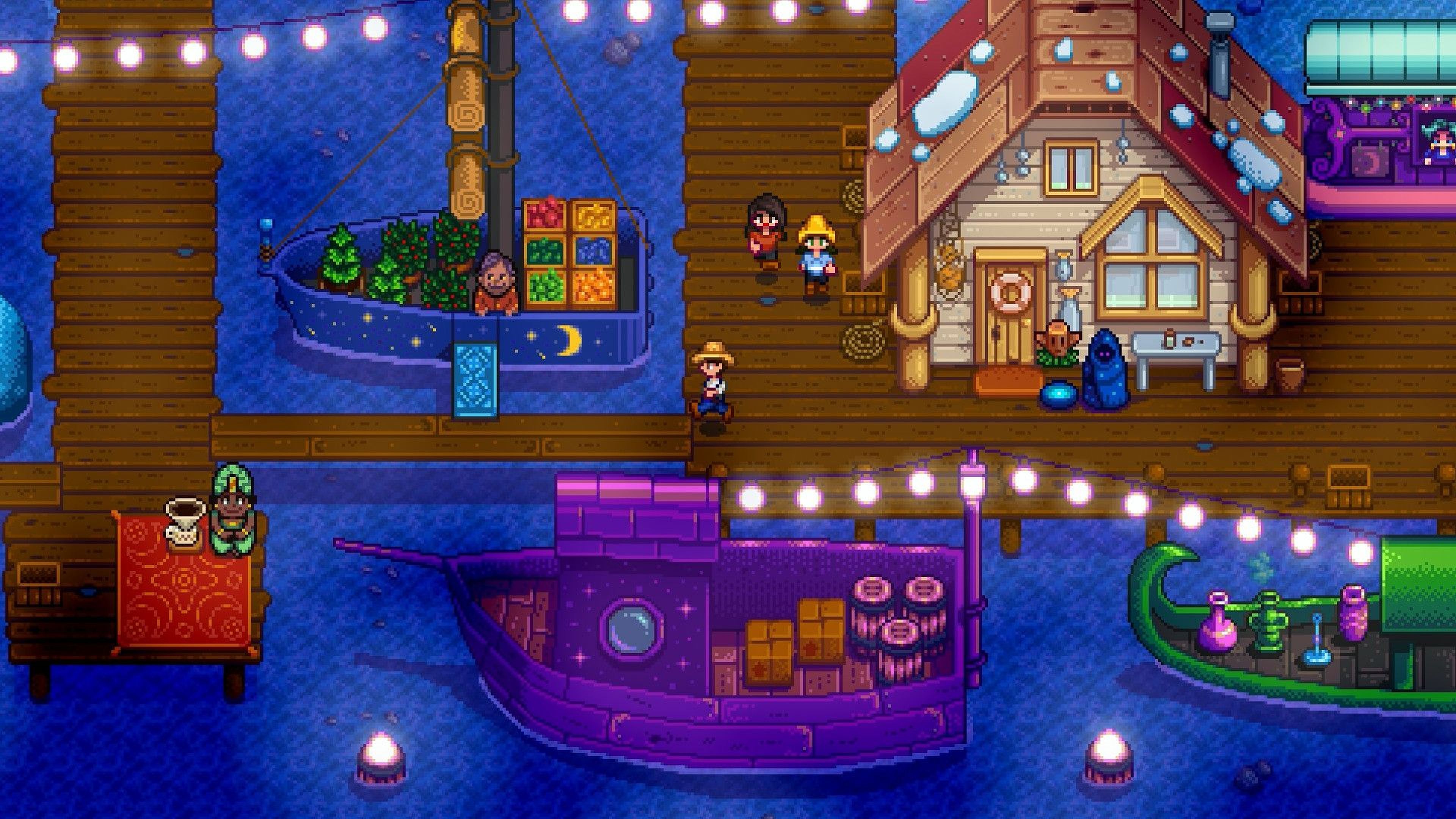
How to Install Better Ranching on your Stardew Valley Server
Better Ranching adds a range of quality-of-life features and changes to your Stardew Valley server including preventing failed milking/shearing attempts and adding an indicator when pets and animals can be petted, milked, or sheared.
There are no prerequisites or additional requirements when installing Better Ranching.
#Downloading Better Ranching
Before installing the mod, you will first need to download it from Nexus Mods.
-
Navigate to Better Ranching's Nexus Mods page.
-
Scroll down and select the Files tab.
-
Select Manual Download > Download > Slow Download.
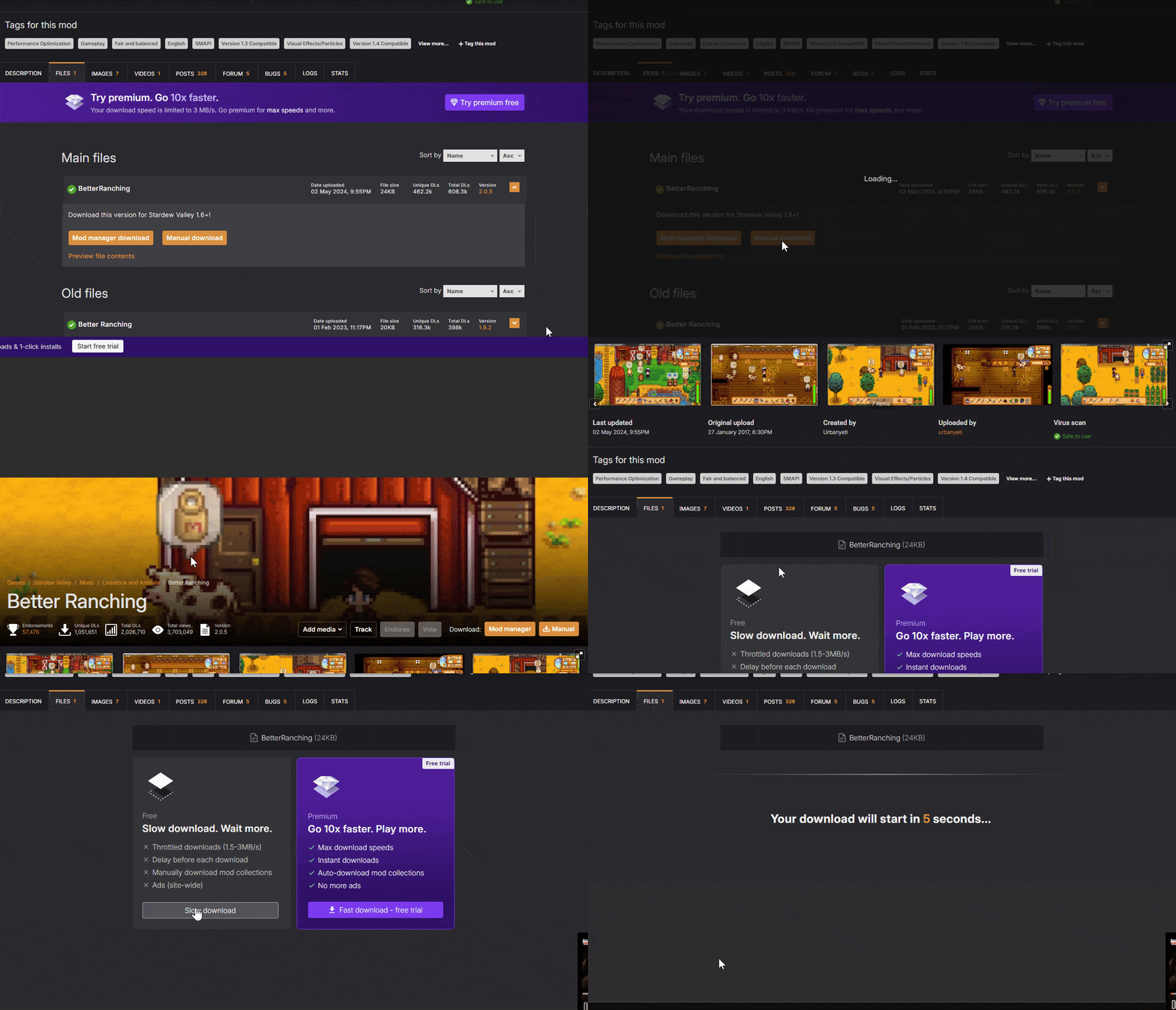
- Navigate to your downloads folder and extract the .zip file.

#Installing the Better Ranching Mod
Once you have the mod downloaded, you will need to upload it to your Stardew Valley server's /mods folder.
-
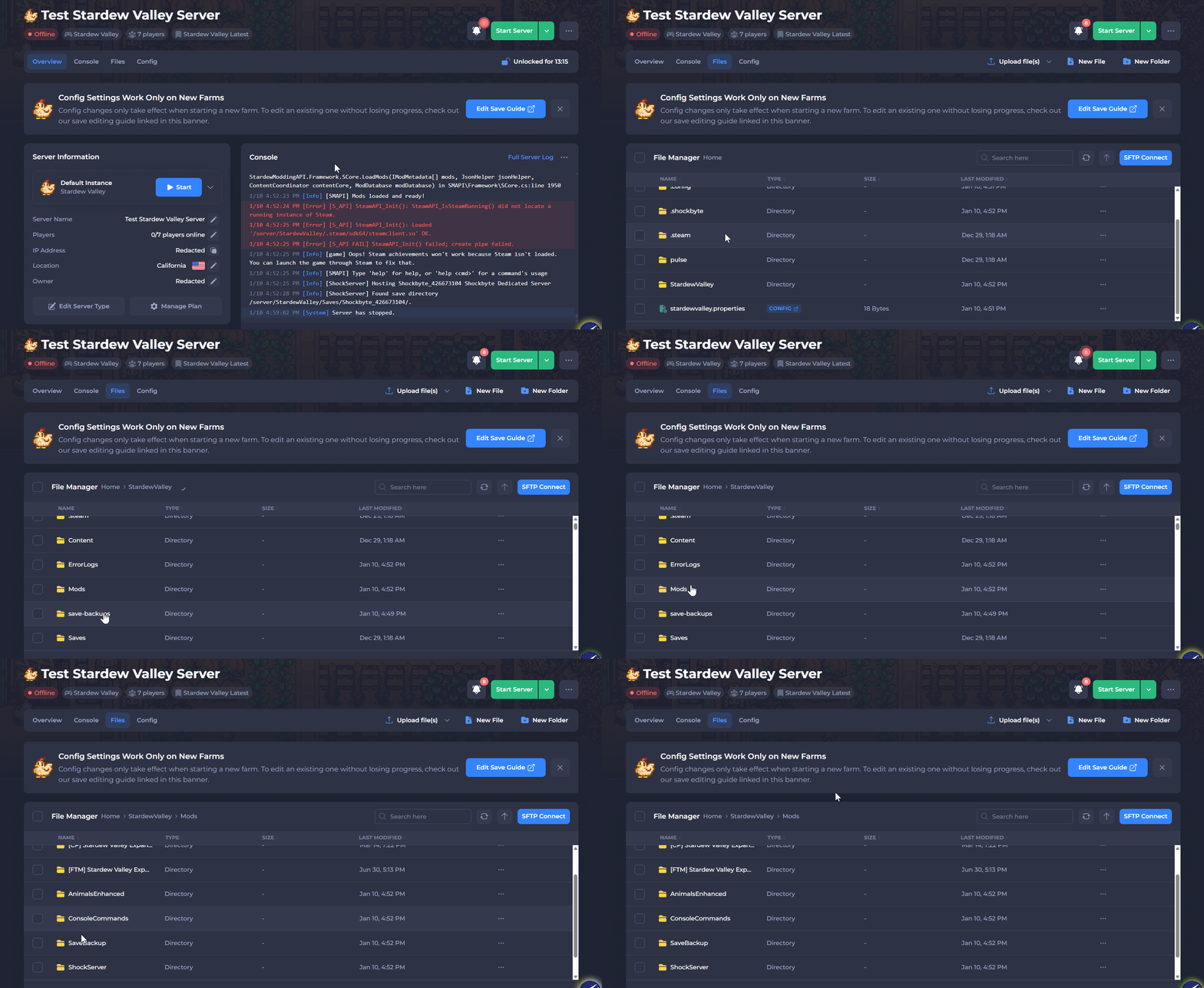
Open your Control Panel.
-
Stop the server and wait for it to go offline.
-
Navigate to Files and open
/StardewValley/Mods.
-
Upload the extracted BetterRanching folder.
-
Start your server.
If you would like any additional information or have more questions about configuring your Stardew Valley server, you can find our other articles here.