Still have questions?
Come chat with us and we will get back to you as soon as possible!

Shockbyte
Support Team
Getting Started with your 7 Days to Die Server
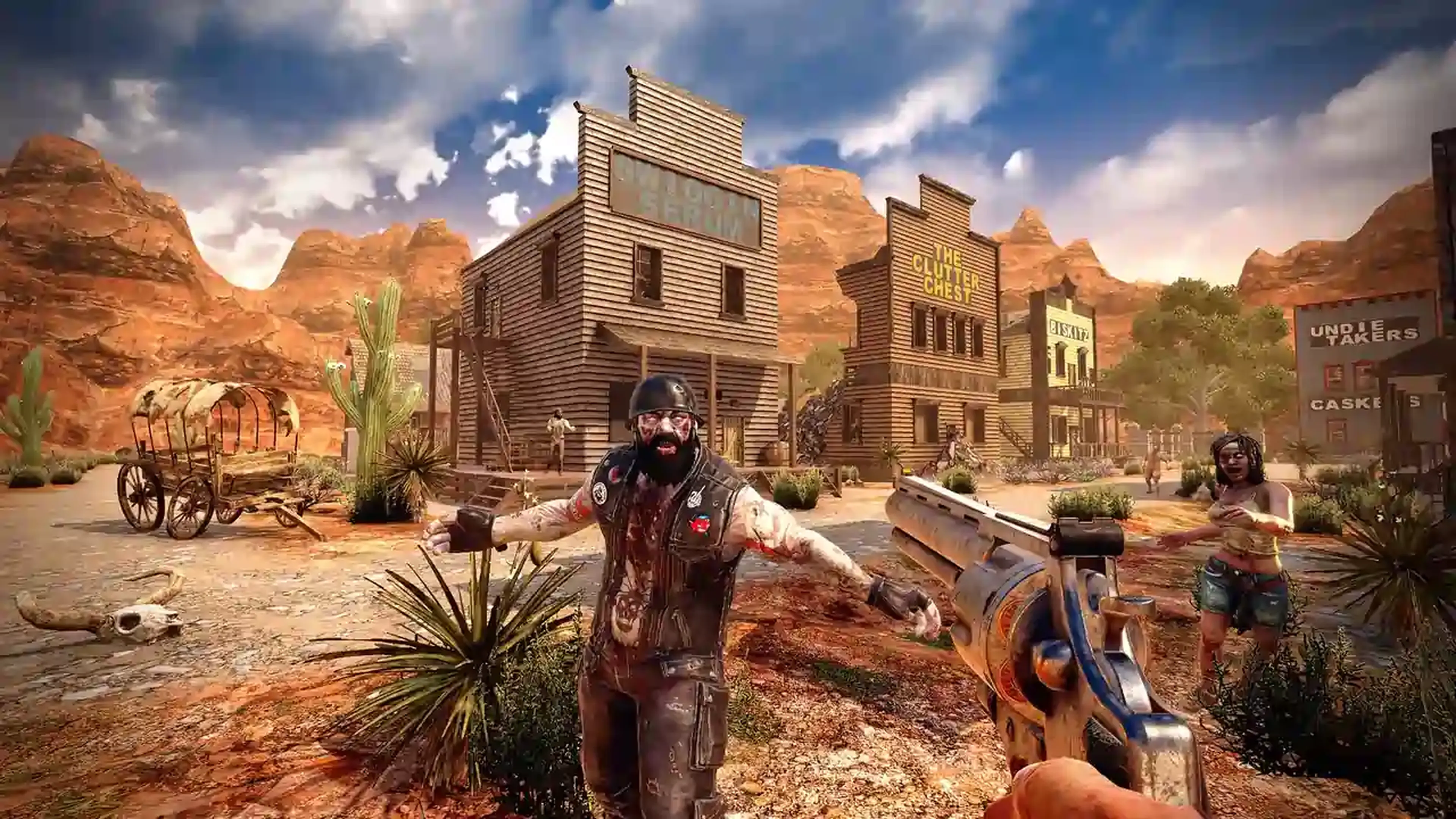
Survive the zombie apocalypse in 7 Days to Die, where you’ll scavenge, craft, build, and fight to stay alive in a dangerous open world. Explore, fortify your base, and prepare for relentless threats as you progress.
A 7 Days to Die dedicated server allows you to play in a persistent world with others, giving you full control over settings, mods, and the overall gameplay experience.
#Getting Started
The following articles cover the most common questions you may have when first starting with your new 7D2D server.
- How to Join your 7 Days to Die Server
- How to Make your 7 Days to Die Server Private
- How to Add Admins to your 7 Days to Die Server
- How to Kick or Ban Players on your 7 Days to Die Server
- How to Change the Difficulty of your 7 Days to Die Server
- How to Switch to the Experimental Branch on your 7 Days to Die Server
- How to Enable Cheats on your 7 Days to Die Server
- How to Find a Player's EOS in 7 Days to Die
- How to Edit Your Public 7 Days To Die Server Details
#Server Configuration
The following articles cover the most common questions you may have when configuring your 7D2D Server.
- How to Change your 7 Days to Die Server Settings
- Upload a Map or Existing World to Your 7 Days to Die Server
- How to Turn Off Easy Anti-Cheat (EAC) on Your 7 Days to Die Server
- How to Reset Your 7 Days to Die Server World
- How to Remove the XP Death Penalty on your 7 Days to Die Server
- How to Install and Configure Alloc's and CPM on Your 7 Days to Die Server
- How to Install Mods on Your 7 Days to Die Server
- How to Delete a Player From Your 7 Days to Die Server
- How to Configure PVP/Friendly Fire on your 7 Days to Die Server
- How to Select a Pregenerated World on Your 7 Days to Die Server
- How to Change the World on Your 7 Days to Die Server
- How to Use an Older Version on Your 7 Days to Die Server
If you require any further assistance, please contact our support at: https://shockbyte.com/billing/submitticket.php