Still have questions?
Come chat with us and we will get back to you as soon as possible!

Ruben B
Partnership Manager

How to Join your Don't Starve Together Server
This guide explains how to join your Don't Starve Together server. Before connecting, your server must be configured with a valid cluster token so it can appear online and accept players.
Once set, you can join your server through the in-game server list or by connecting directly using the server’s details. The steps below will walk you through both methods to ensure a successful connection.
Note
In order to join your server, you must have a Cluster Token configured. Please follow our guide that explains How to Get a Cluster Token and Add it to your Don't Starve Together Server before proceeding with the next steps.
#Joining via the In-Game Server List
-
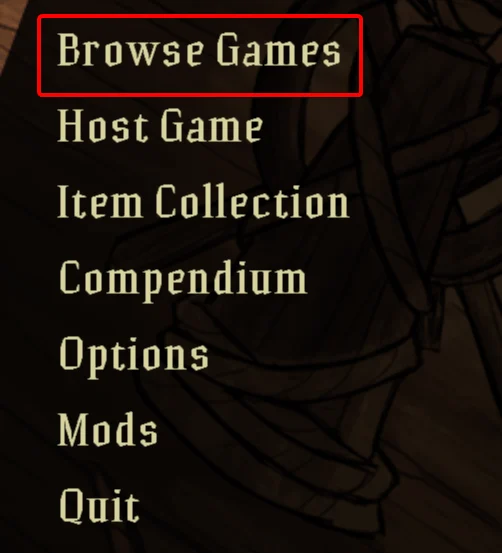
Open Don't Starve Together and click Browse Games.
-
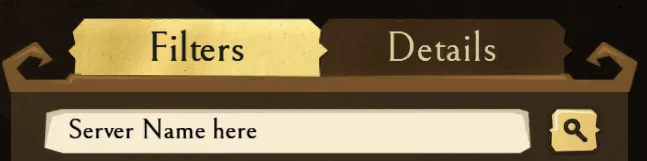
Enter your Server Name into the search field. You can find our article on how to find your Server Name here.
-
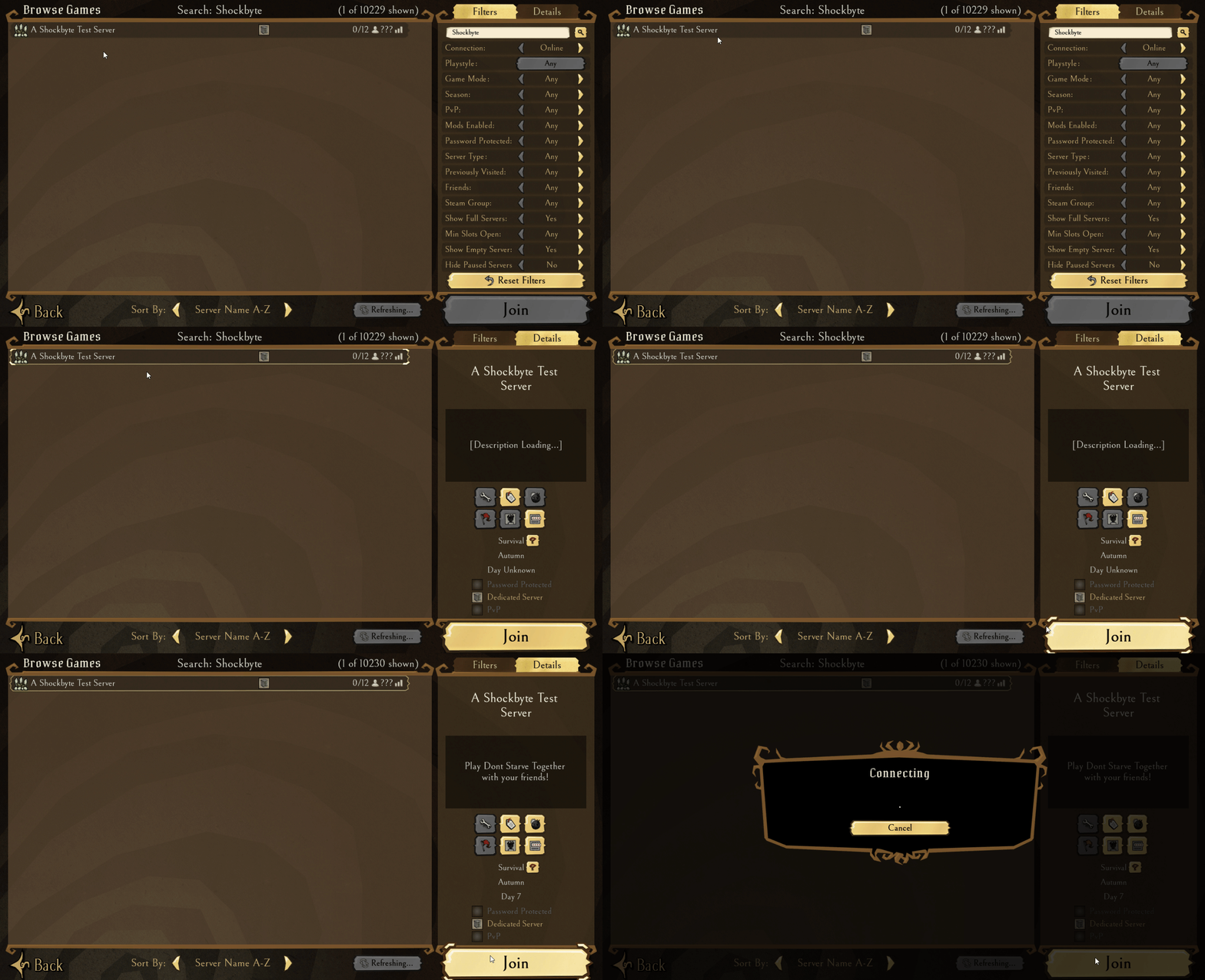
Select the server then click the Join button.
#Joining via Direct Connect
-
Open Don't Starve Together and open the game console, you can find the hotkey for this in Options > Controls.
-
To connect, enter either of the following options:
-
With a password -
c_connect("ip", port, "password").
-
Without a password -
c_connect("ip", port).
If you require any further assistance, please contact our support at: https://shockbyte.com/billing/submitticket.php