Still have questions?
Come chat with us and we will get back to you as soon as possible!

Shockbyte
Support Team
How to Install Stardew Valley Expanded on your Stardew Valley Server
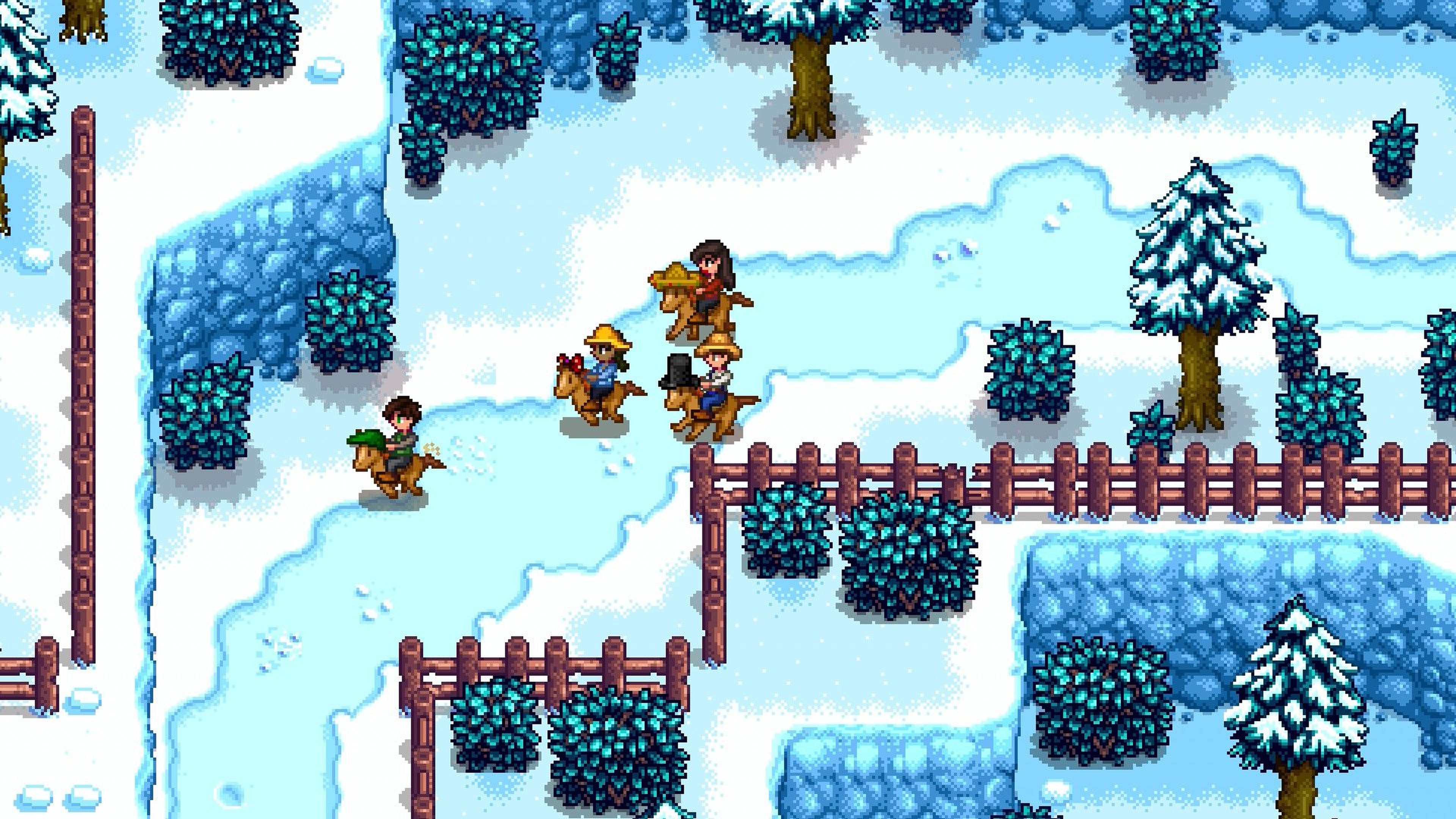
Stardew Valley Expanded is a fanmade expansion for Stardew Valley - containing many new NPCs, locations, events, fish and more! It's a great way to enjoy a whole new Stardew Valley experience with friends! A full overview of the new features can be found on their Nexus Mods page.
RAM Requirement
Stardew Valley Expanded is a resource-intensive mod and requires at least the Starfruit plan.
Reset World
Stardew Valley Expanded requires a new world to be generated after installation for it to work.
#Downloading Stardew Valley Expanded
Before installing Stardew Valley Expanded on your server, you'll need to download it and its two dependencies. SMAPI is already installed on your server.
-
Navigate to Nexus mods page and open each of the following mod pages: Stardew Valley Expanded, Farm Type Manager, and Content Patcher.
-
Download all three mods by scrolling down to Files > Select Manual Download > Download > Slow Download.
-
Once downloaded, extract each .zip file on your computer.
#Installing Stardew Valley Expanded on Your Server
Once each mod has been downloaded and extracted, the contents can be uploaded to your server and a new world can be generated.
-
Open your Control Panel.
-
Stop your server and wait for it to go offline.
-
Navigate to Files and open
/StardewValley/Mods. -
Upload the contents of each extracted mod folder here.
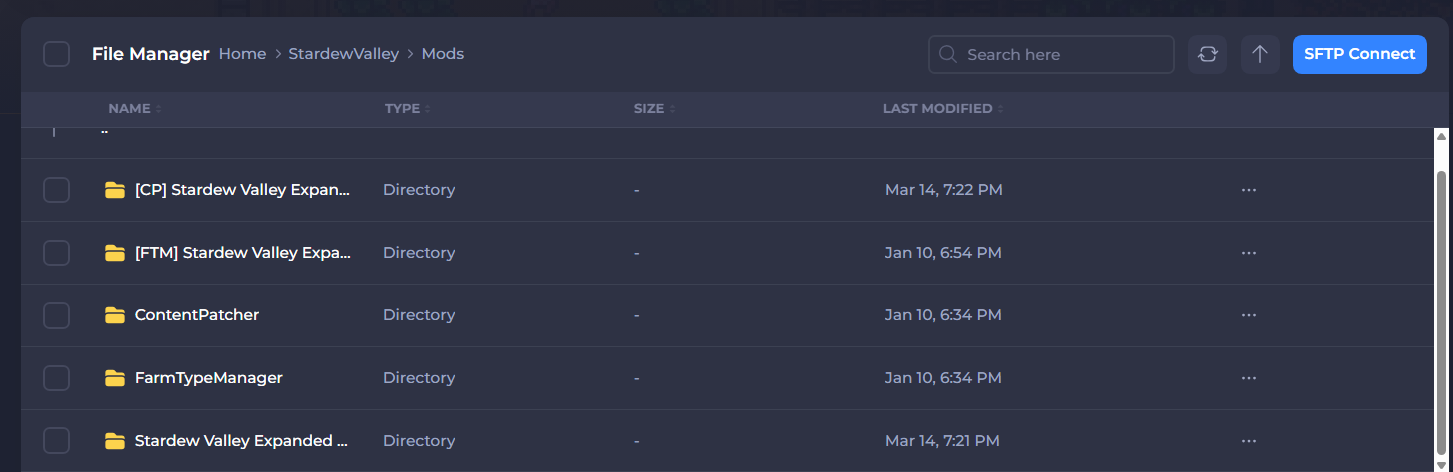
Once completed, the Mods folder should have all five of the following folders present. They may not be shown in the same order as the image:
- Create a new farm and start the server.
That's it! Stardew Valley Expanded should be installed on your server.
#Client-side Installation
Once you have installed Stardew Valley Expanded on your server, you will need to install it locally. It can be installed manually, but we recommend the Nexus Mod Manager for easier use.
Nexus Mod Manager
-
Download the Nexus Mod Manager and log in.
-
Open the Nexus Mod Manager app and keep it open.
-
Navigate to the Nexus Mods website and download the following mods by selecting Mod Manager to add them to your library in the Nexus App.
-
Once added to your library in the Nexus App, select install to add each mod to your game.
-
Once installed, select Play to launch the game.
If you encounter any issues, navigate to Health Check on the left-hand side of the Nexus Mod Manager. This will let you know if there are any issues with your mods.
To learn more about Stardew Server dedicated server hosting, you can check out our knowledgebase articles found here.