

 X
Runescape Dragonwilds SERVER HOSTING
Explore Dragonwilds 1.0 in your very own private world! Spin up your own RuneScape Dragonwilds dedicated server in minutes and keep your world online 24/7.
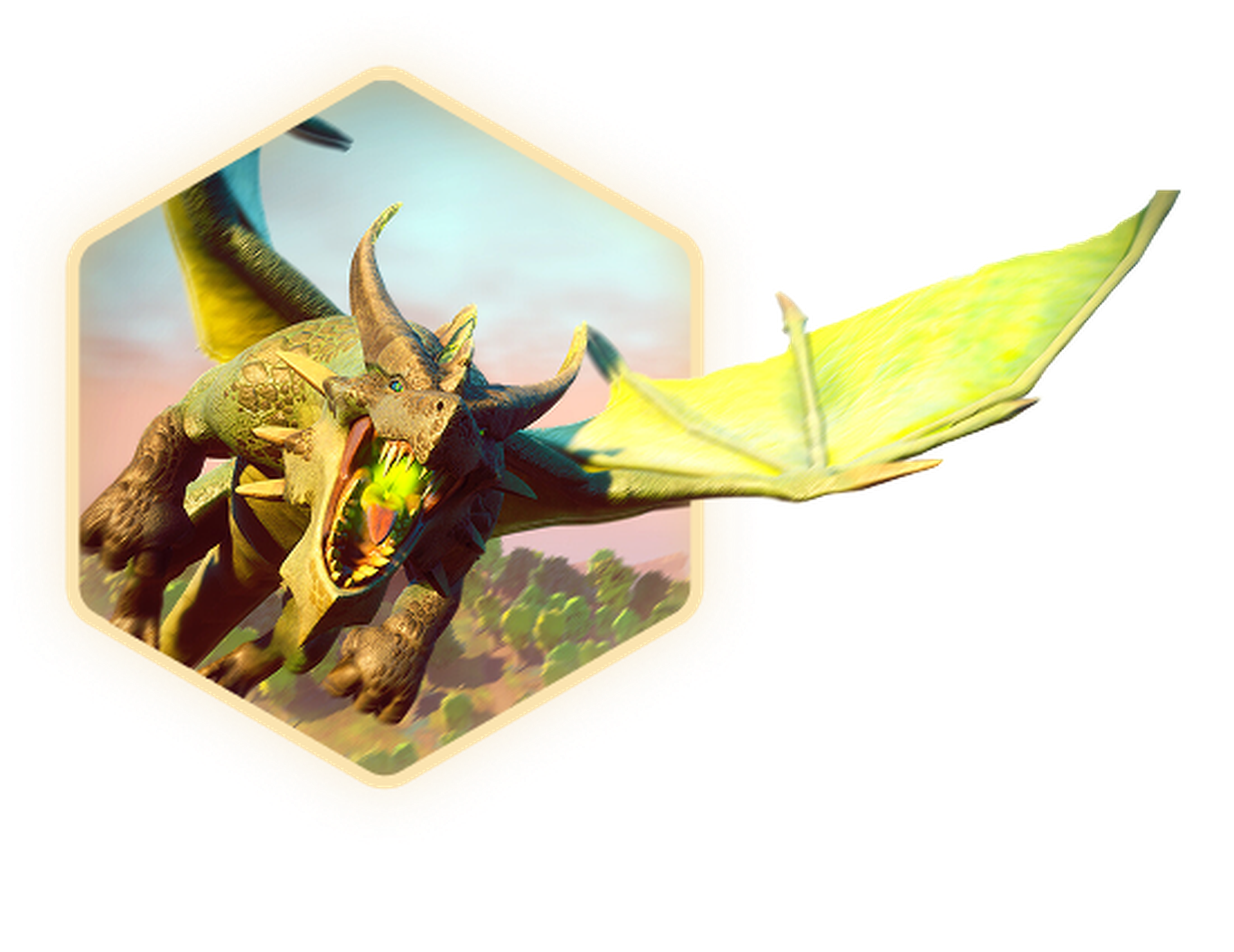





Exclusive Features
- Mod Support
- 99.9% Uptime
- DDoS Protection
- Global Locations
- 24/7 Support
- Self-Serve Guides
- Easy Configuration
- Automatic Backups
- Low Latency
- Full File Access
The Official Partnered Host For RuneScape Dragonwilds
Dragonwilds is built for co-op survival: gather resources, build a base, level skills, craft better gear, and push deeper into Ashenfall together.
A hosted server keeps your world online, so progress isn’t tied to one player, anyone can jump in anytime for quick runs or big sessions.
What is RuneScape Dragonwilds Server Hosting
RuneScape: Dragonwilds server hosting is renting dedicated hardware to run your Dragonwilds world independently, so it’s online 24/7 and players can connect without relying on someone’s PC to host the session.
It’s the go-to setup for survival-craft groups that want a persistent world, consistent performance.

Play RuneScape Dragonwilds 1.0 With Friends
Early Access is over. With the Scorned Wilderness open, every skill tree pushed to 99, and Queen Kuldra waiting at the end of it, RuneScape Dragonwilds server hosting gives you the control to keep things stable, responsive, and ready for the next adventure.
With a hosted server, you manage restarts, backups, and updates from a control panel, and thanks to 1.0 crossplay, your party can gather from PC, PS5, Xbox Series X|S, or Switch 2 whenever they're ready to build and take on dragons.

Learn About RuneScape Dragonwilds
Launch your RuneScape: Dragonwilds private server today and keep your Ashenfall world running 24/7, ready whenever your party is.
How To Join Your RuneScape Dragonwilds Server
This guide explains how to join your RuneScape: Dragonwilds server. Whether you're connecting for the first time or rejoining after setup.
How To Set Your RuneScape Dragonwilds Server To Private
This guide explains how to add a password to your RuneScape Dragonwilds server. Setting a password allows you to restrict access and control who can join your server.
Facilidade de acesso da Shockbyte
A facilidade de acesso da Shockbyte a todos os seus arquivos, tutoriais em vídeo sobre como editar seu servidor do jeito que você quer, suporte 24 horas e planos com preços justos me fazem ficar aqui com eles como meu fornecedor de servidor preferido! Embora ocasionalmente eu tenha que parar de alugar um servidor por questões financeiras, no final das contas, eu não trocaria por outro diferente!
Sempre usei para servidores minecraft…
Sempre usei para servidores minecraft com 0 problemas, e hoje tive um problema com meu servidor. Entrei em contato com o suporte e recebi uma ajuda incrível do Michael Y. e resolvi meu problema muito rápido. Muito feliz com a Shockbyte no geral: preços, interface do usuário, suporte, etc.
Suporte super bom e execução rápida…
Atendimento extremamente bom e servidores de execução rápida. O lag nesses servidores praticamente não existe e não tive nenhum problema com a hospedagem deste servidor além do suporte lento às vezes, mas a espera definitivamente vale a pena porque eles VÃO te ajudar em qualquer coisa.
Atendimento ao Cliente
A Shockbyte trabalha com pessoas reais, que são pacientes e amigáveis. A Cris me ajudou com uma infinidade de problemas hoje durante algumas horas e foi muito gentil, educada e prestativa. Mais uma vez, excelente atendimento ao cliente da equipe Shockbyte. Obrigado Cris!
Frequently Asked Questions
If you still need help, you can check out our knowledgebase articles or contact support.
The easiest way is to use a RuneScape: Dragonwilds dedicated server. You rent dedicated hardware that stays online 24/7.
With a dedicated server, you just pick a plan, start the server, and manage everything through a control panel: start, stop, update, and back up your world whenever you want. It’s the best option if you want a persistent Dragonwilds world your friends can jump into anytime.