Still have questions?

Shockbyte
Support Team
How to Join your Vintage Story Server
Once you have finished configuring your Vintage Story server, you can start your server for players to connect and play. Vintage Story allows players to connect via direct connection or via the in-game server list.
#Obtaining Server Information
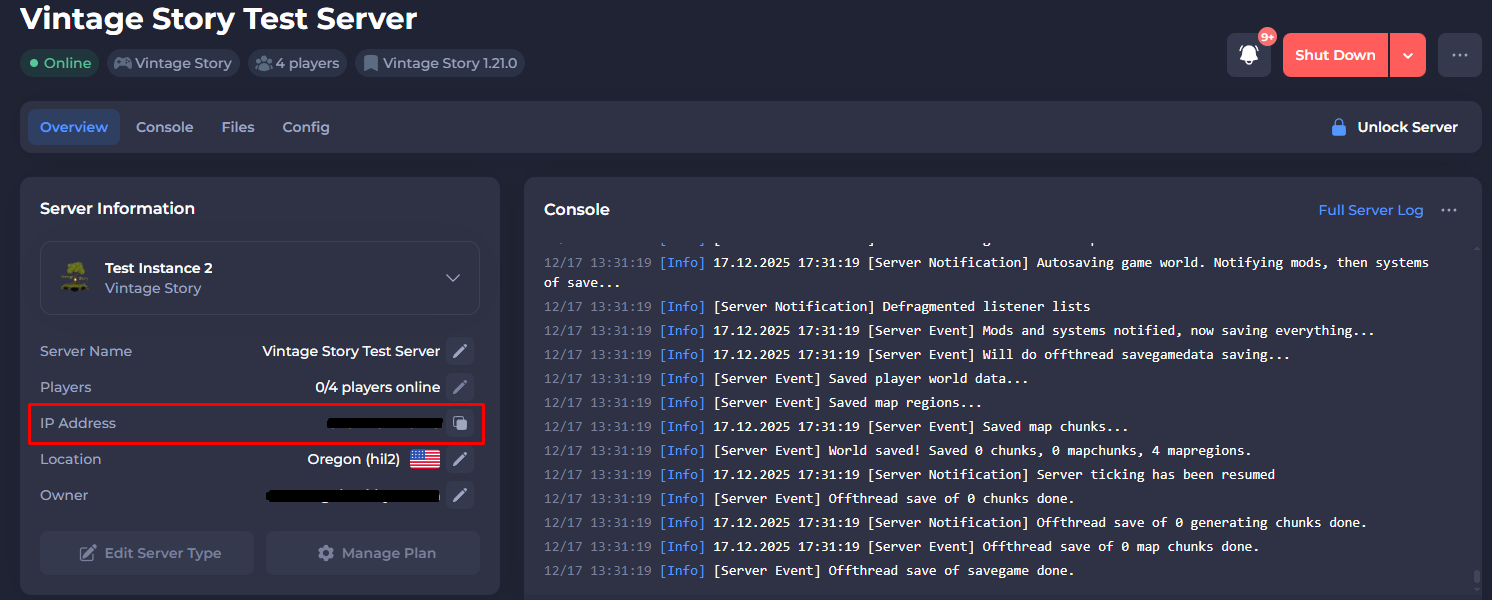
You'll find the required information from your Vintage Story server's control panel to join your server.
The IP Address can be found on the home page of the control panel.
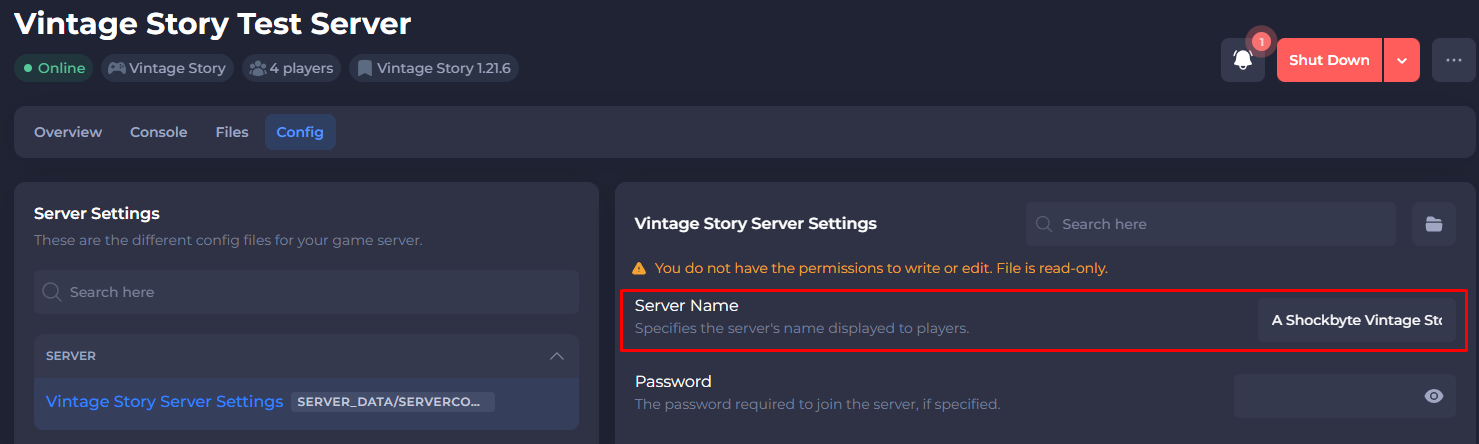
You can find the server name in your Config tab on your Control Panel.
#Direct Connect
You can connect to your server using direct connect by adding the server to your favourites.
-
Click Multiplayer.
-
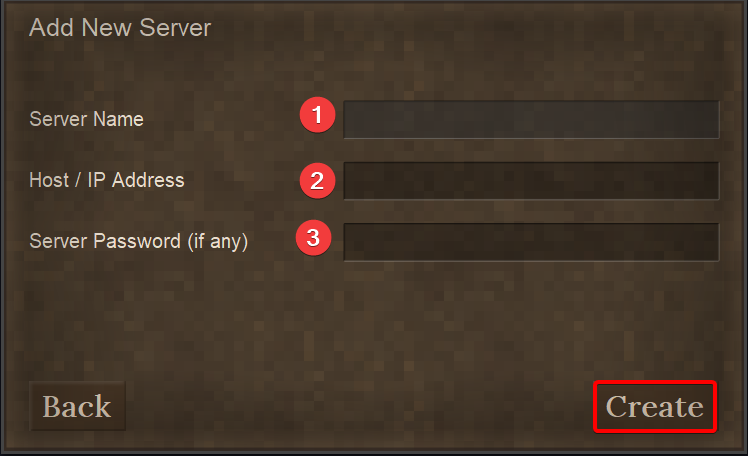
Click Add New Server.
-
Enter your server details. Please note that the server name in this section is for player reference and doesn't have to match your actual server name.
-
Click your server to connect.
#Browsing Server List
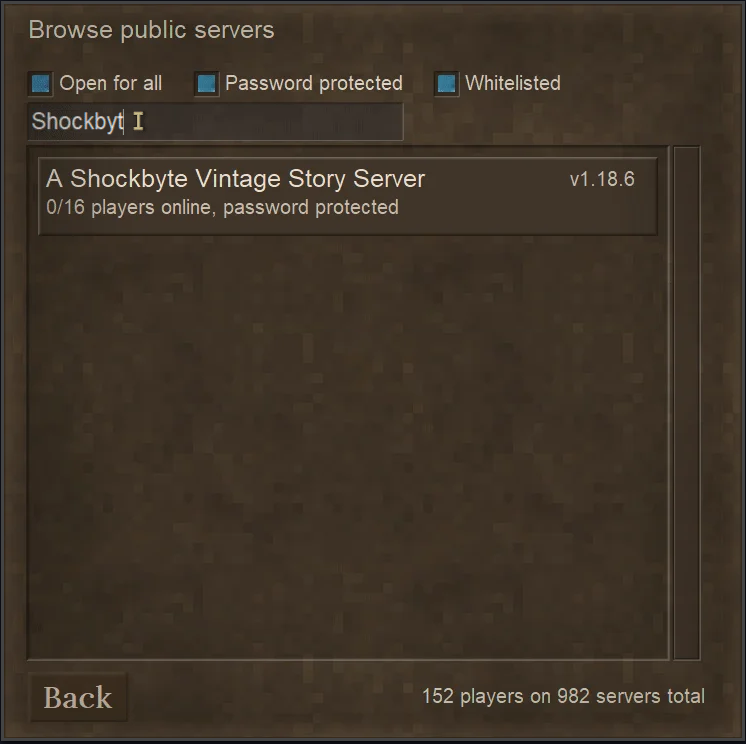
You can use your server name to search the server list for your Vintage Story server.
-
Click Multiplayer.
-
Click Browse Public Servers.
-
Search for your server search bar.
-
Click your server to connect.
If you require any further assistance, please contact our support at: https://shockbyte.com/billing/submitticket.php