
 Available On Steam
L4D2 Dedicated Servers
Ready to survive the zombie apocalypse? Our Left 4 Dead 2 dedicated servers keep your co-op action smooth and fun. Team up, fight hordes, and play anytime!

Choose Your Plan

Hunter
£3.74/Monthly

Witch
£8.99/Monthly

Exclusive Features
- 99.9% Uptime
- DDoS Protection
- Global Locations
- 24/7 Support
- Self-Serve Guides
- Easy Configuration
- Automatic Backups
- Low Latency
- Full File Access
Play L4D2 With Friends
Nothing beats the thrill of surviving a zombie apocalypse with friends in Left 4 Dead 2. From charging through hordes with adrenaline pumping to the tense moments of waiting for a rescue vehicle, your L4D2 dedicated server gives you total control.
Customise your campaigns, experiment with mods like “Survivors vs Infected” or “Realism”, and set up intense Versus or Survival matches. With your own L4D2 server, every co-op run becomes a unique, adrenaline-fueled experience where teamwork is key to surviving the relentless infected.
Play L4D2 With Mods
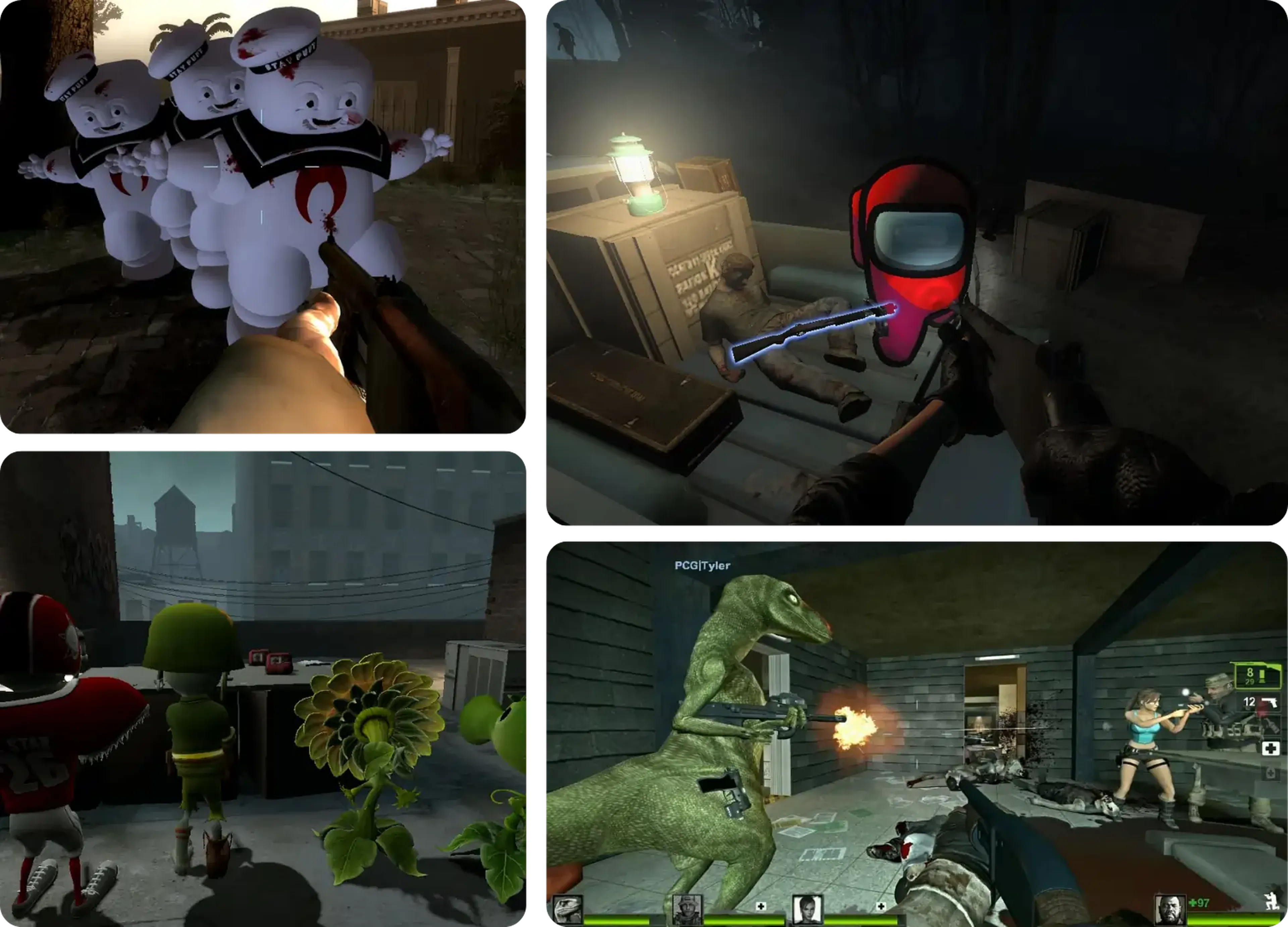
L4D2 has an amazing modding community, offering everything from new maps and weapons to gameplay tweaks. With our L4D2 server hosting, adding mods is quick and easy, letting you play custom campaigns, unlock skins, and create new game modes. Keep the action fresh by installing mods that suit your style!
Learn About L4D2 Server Hosting
Get the most out of your Left 4 Dead 2 server with our guides and tutorials.
Getting Started With Your Left 4 Dead 2 Server
Run, shoot, and hide from zombie hordes with friends in co-op missions! Try other modes like versus or survival in Left 4 Dead 2 - a super fun and popular game to play with your buddies!
How to Install Mods & Plugins on your Left 4 Dead 2 Server
L4D2 servers offer a variety of thrilling plugins and mods to enhance your gameplay. Installing them is a breeze through your server's control panel!
How to Join your Left 4 Dead 2 Server
Ready to get started? Follow our step-by-step guide to join your server!
Shockbyte's ease of access
Shockbyte's ease of access to all of your files, video tutorials on how to edit your server to how you want, 24/7 support, and fair pricing on rental plans keeps me staying here with them as my go-to server rental! While I have to occasionally stop renting a server for financial issues, in the end I don't think I'd want to swap out to a different one!
Always used this for minecraft servers…
Always used this for minecraft servers with 0 problems, and today i had and isue with my server. I contacted support and got awesome help by Michael Y. and solved my problem in no time. Really happy with shockbyte in general: prices, ui, support,etc
Extremely good support and fast running…
Extremely good support and fast running servers. Lag on these servers are practically non-existent and I haven't had any issues with this server hosting besides slow support at times, but the wait is definitely worth it because they WILL help you with anything.
Frequently Asked Questions
Here are some of our new customers' frequently asked questions. If you still need help, you can check out our knowledgebase articles or contact support.
To join a server, launch L4D2, enable 'Developer Console' on the game options. Open the console using the ` key and enter the following command to connect: connect <ServerIP:PORT>.