
 Disponível no Steam
Servidores dedicados de L4D2
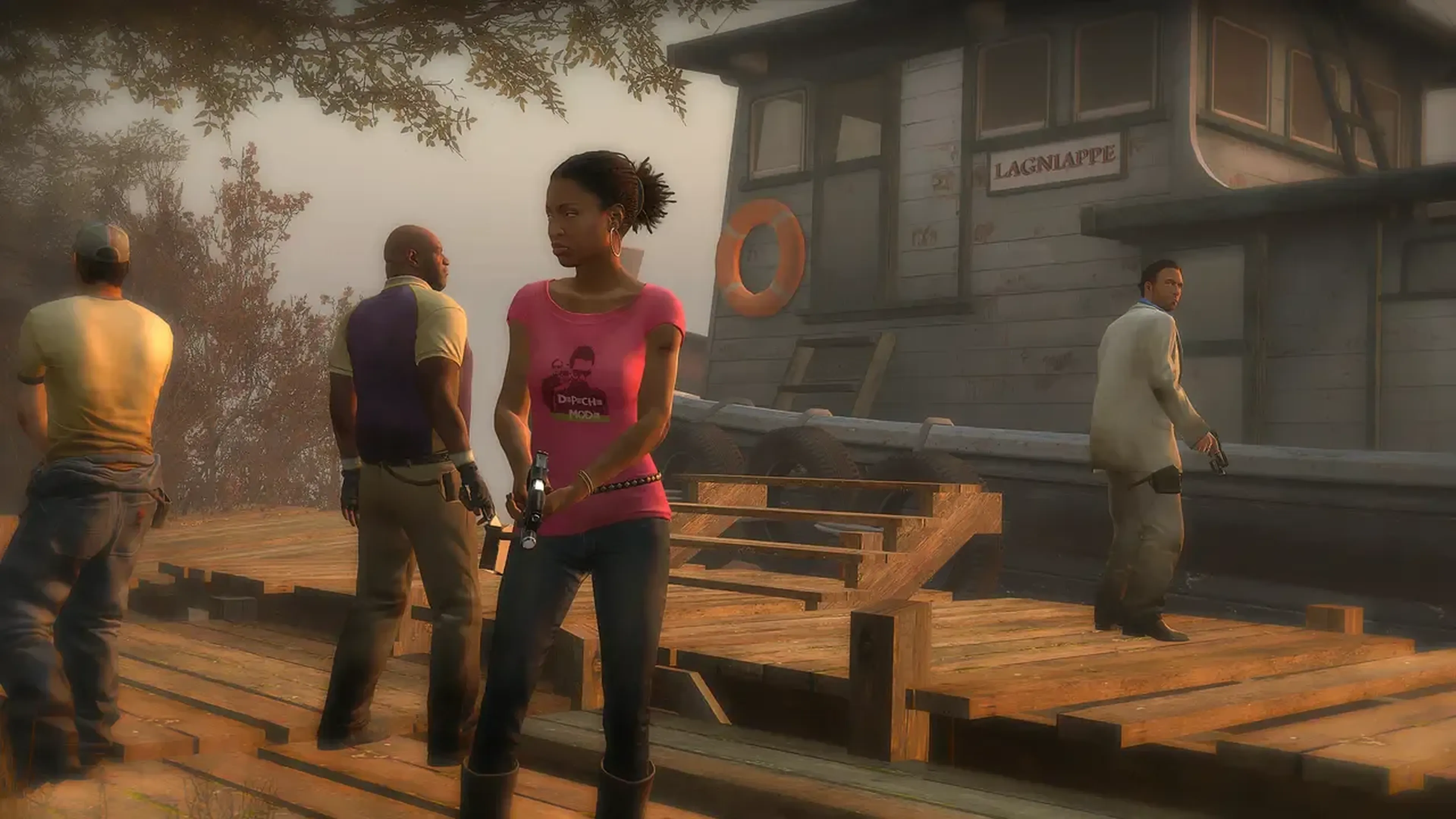
Tudo pronto para sobreviver ao apocalipse zumbi? Nossos servidores dedicados de Left 4 Dead 2 mantém sua ação cooperativa fluida e divertida. Forme equipes, enfrente as horas e lute a qualquer momento!

Escolha Seu Plano

Hunter
R$24,91/Monthly

Witch
R$59,86/Monthly

Recursos Exclusivos
- 99,9% de Disponibilidade
- Proteção contra DDoS
- Localizações Globais
- Suporte 24/7
- Guias de Autoajuda
- Fácil Configuração
- Backups Automáticos
- Baixa Latência
- Acesso Total aos Arquivos
Jogar L4D2 Com amigos
Nada vence a emoção de sobreviver a um apocalipse zumbi com amigos em Left 4 Dead 2. Seja avançando por hordas com a adrenalina à flor da pele ou nos momentos tensos à espera de um veículo de resgate, o seu servidor dedicado de L4D2 te dá controle total.
Personalize suas campanhas, experimente mods como: "Survivors vs Infected" ou "Realism", e configure partidas intensas de Versus ou Survival. Com seu próprio servidor de L4D2, toda tentativa cooperativa se torna uma experiência única e repleta de adrenalina onde o trabalho em equipe é a chave para sobreviver os infectados impiedosos.
Jogar L4D2 Com Mods
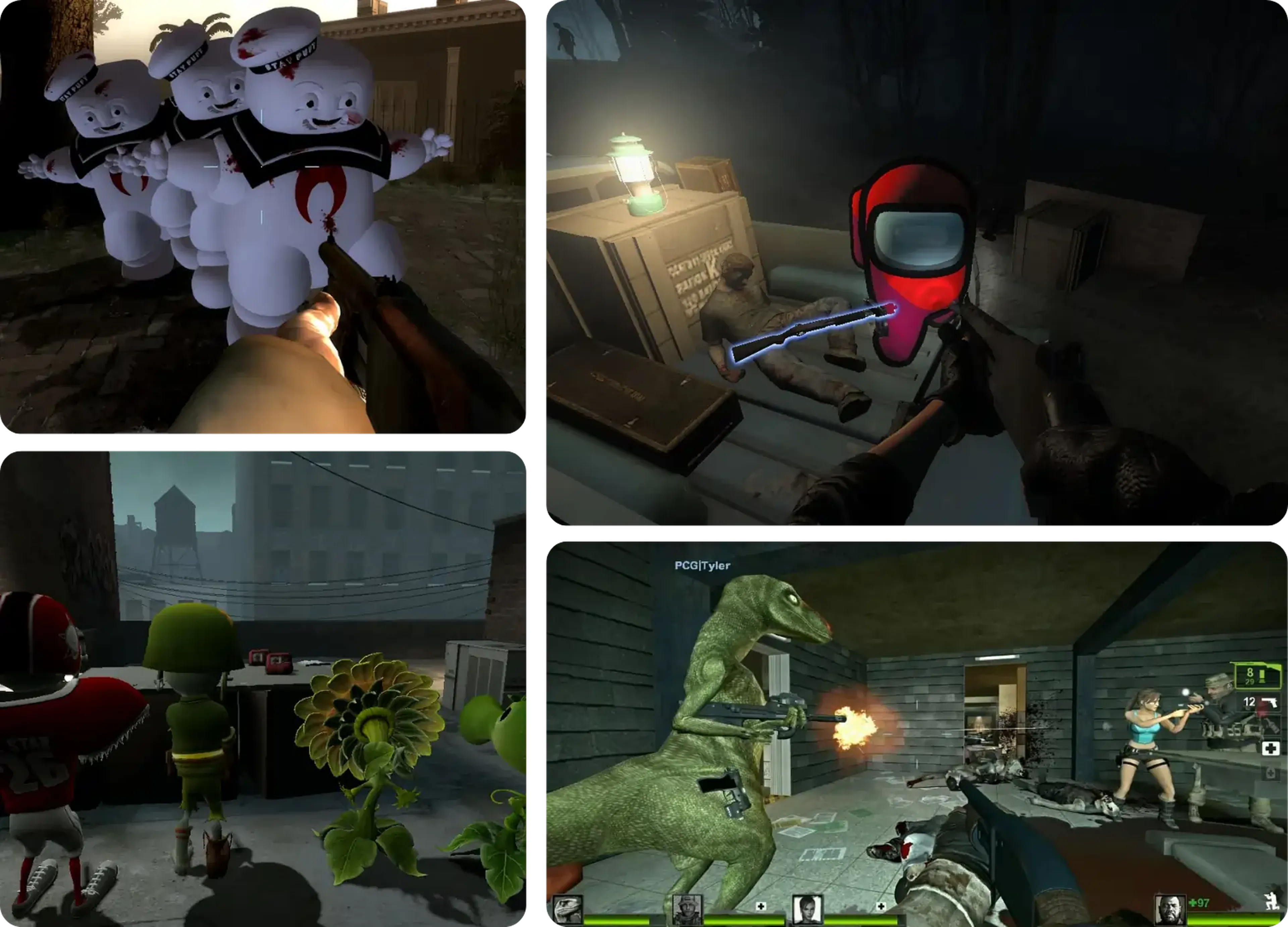
L4D2 tem uma incível comunidade de mods, oferecendo tudo desde novos mapas até armas e ajustes na jogabilidade. Com nosso serviço de hospedagem de L4D2, adicionar mods é fácil e rápido, permitindo a você jogar campanhas personalizadas, desbloquear trajes e criar novos modos de jogo. Mantenha a novidade ao instalar mods que se adequem ao seu estilo!
Aprenda sobre a hospedagem de servidor de L4D2
Aprimore o seu servidor de Left 4 Dead 2 com nossos guias e tutoriais.
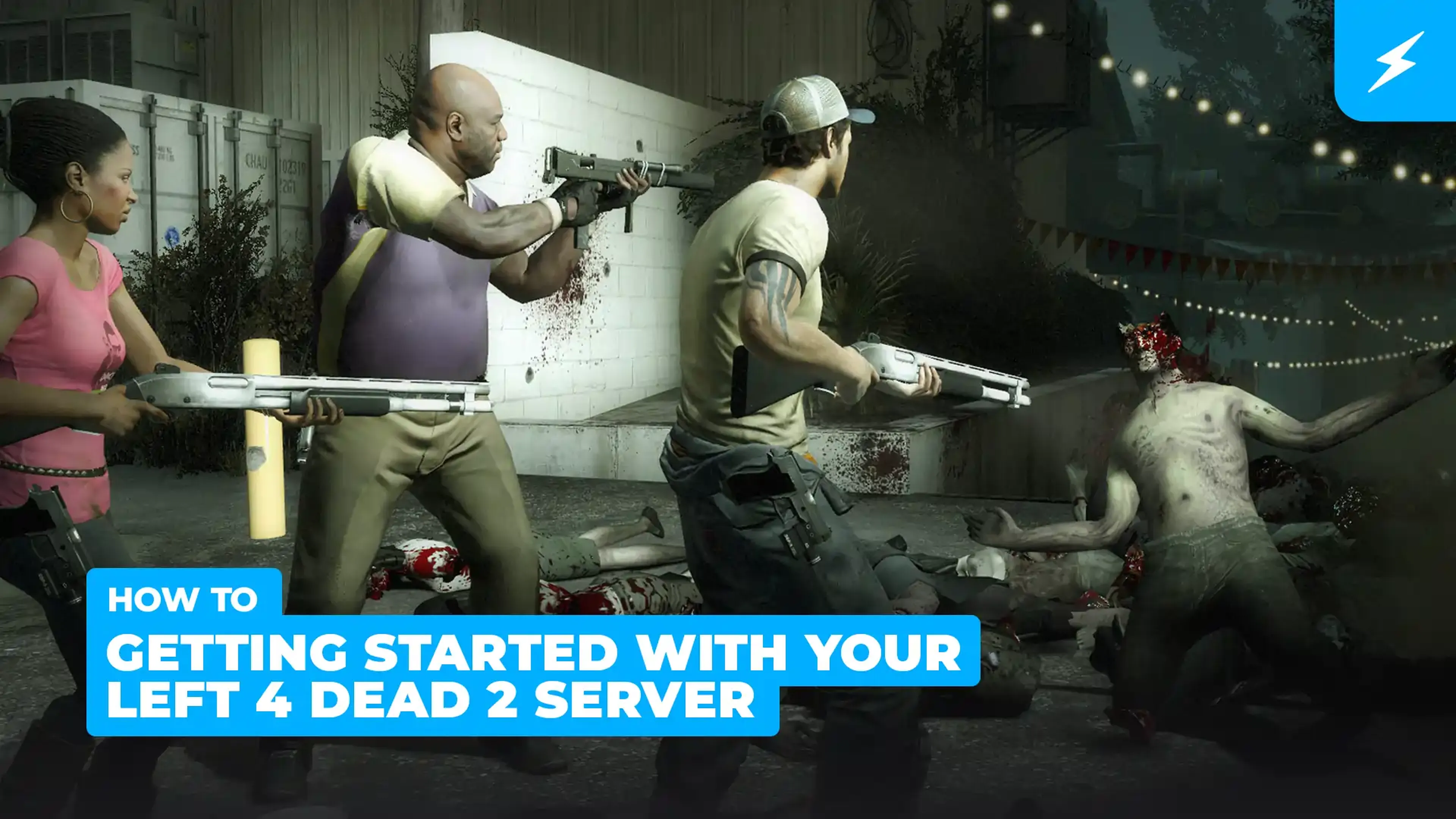
Primeiros passos do servidor de Left 4 Dead 2
Corra, atire e se esconda das hordas de zumbis com amigos em missões cooperativas! Experimente os outros modos como versus ou sobrevivência em Left 4 Dead 2, um jogo super divertido e popular para jogar com os amigos!
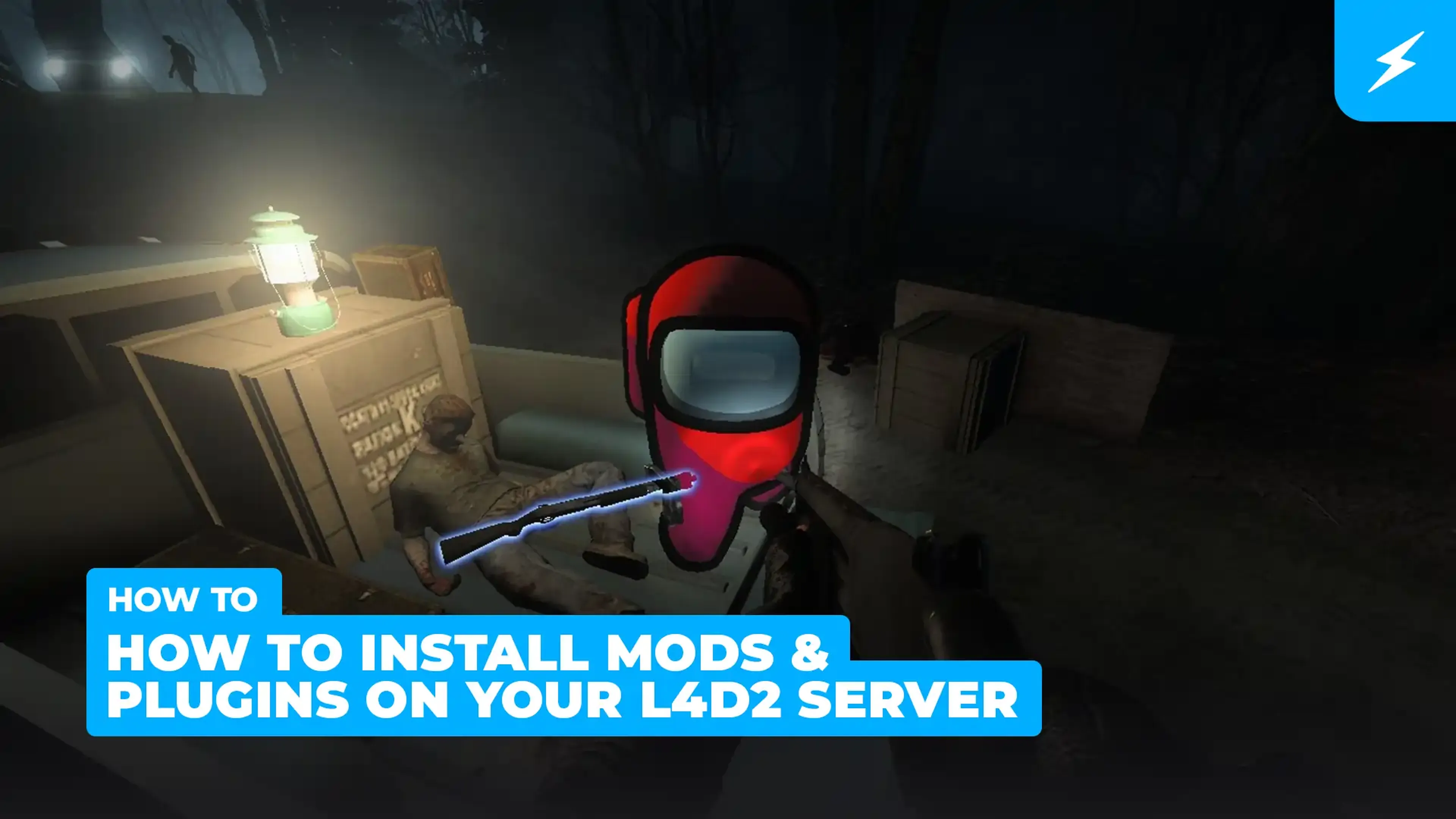
Como instalar Mods e Plugins no seu servidor de Left 4 Dead 2
Os servidores de L4D2 oferecem uma variedade de plugins e mods empolgantes para aprimorar o seu jogo. Instalar é mamão com açúcar através do painel de controle do seu servidor!
Como entrar no seu servidor de Left 4 Dead 2
Tudo pronto para começar? Siga esse guia passo a passo para entrar no seu servidor!
Facilidade de acesso da Shockbyte
A facilidade que a Shockbyte proporciona de acessar todos os arquivos, os tutoriais em vídeo sobre como personalizar seu servidor, suporte 24/7 e planos com preços justos são o que a tornam minha escolha número um quando quero alugar um servidor! Apesar de às vezes precisar interromper o aluguel de servidor por questões financeiras, eu não trocaria eles por nada!
Sempre usei o serviço deles para servidores de minecraft…
Sempre usei este serviço para servidores de minecraft sem problemas, mas hoje tive um problema com meu servidor. Entrei em contato com o suporte e o Michael Y. foi muito prestativo; graças a ele meu problema foi resolvido em questão de minutos. É tudo perfeito na shockbyte: os preços, interface, suporte, etc
Suporte de primeira e servidores…
Suporte de primeira e servidores muito rápidos. Praticamente não existe lag nesses servidores e não tive nenhum problema com hospedagem. O suporte às vezes pode ser lento, mas a espera vale a pena porque eles RESOLVEM mesmo qualquer problema.
Perguntas Frequentes
Aqui estão algumas das perguntas mais frequentes de nossos novos clientes. Se ainda precisar de ajuda, confira nossos artigos na Base de conhecimento ou entre em contato com o suporte.
Para entrar em um servidor, abra o L4D2, habilite o "Console de Desenvolvedor" nas opções de jogo. Abra o console usando a tecla ` e escreva o seguinte comando para conectar: connect <ServerIP:PORT>.