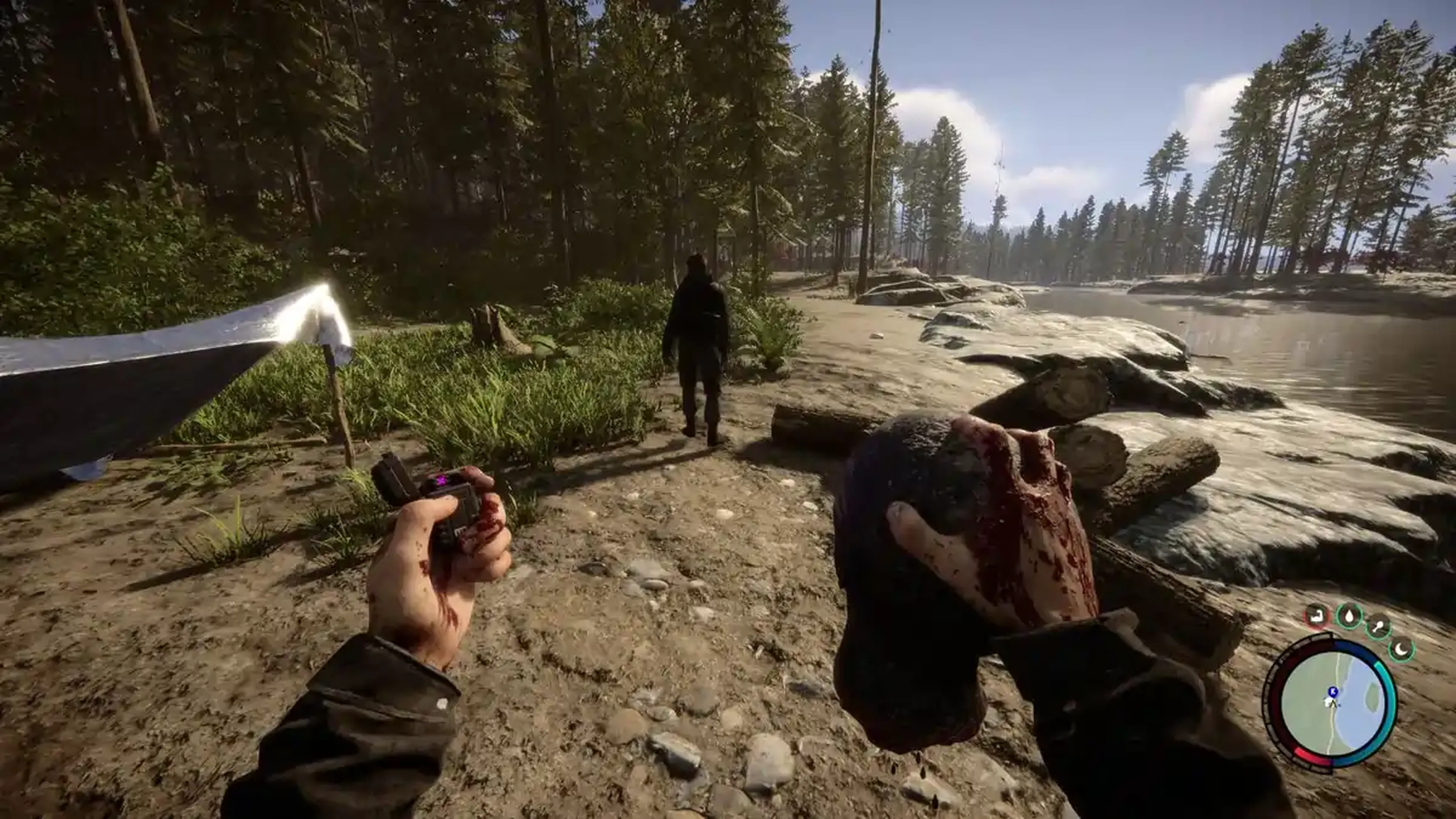
Servidores dedicados de Sons Of The Forest
Tudo pronto para sobreviver aos ermos? Nosso Hospedagem de servidor de Sons of the Forest garante uma jogabilidade fluida e imersiva. Forme equipes, construa e batalhe para sobreviver com amigos a qualquer momento!

Escolha Seu Plano


Recursos Exclusivos
- 99,9% de Disponibilidade
- Proteção contra DDoS
- Localizações Globais
- Suporte 24/7
- Guias de Autoajuda
- Fácil Configuração
- Backups Automáticos
- Baixa Latência
- Acesso Total aos Arquivos

Jogar Sons Of The Forest Com amigos
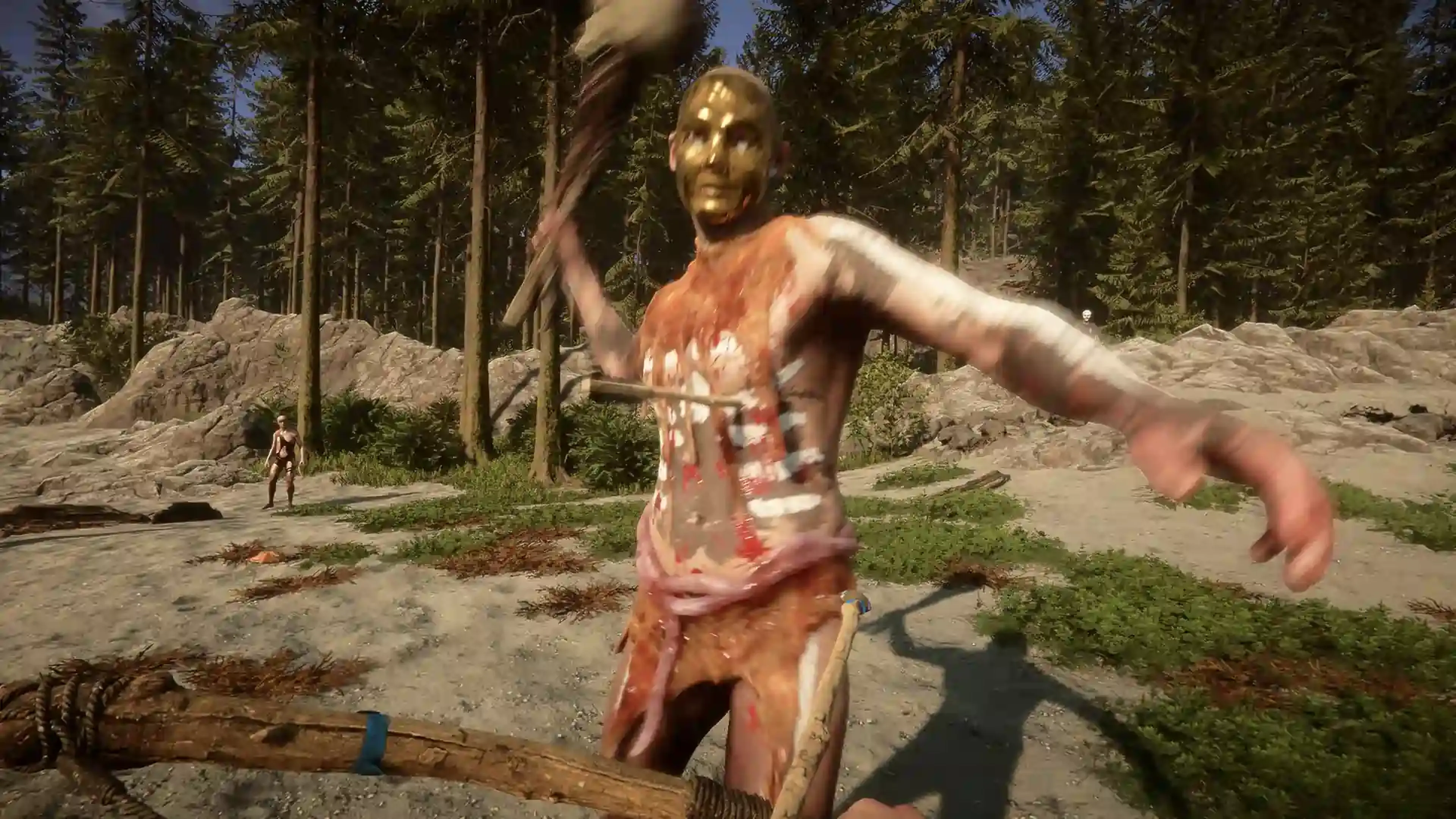
Sobreviver os ermos brutais de Sons of the Forest fica ainda mais intenso com amigos ao seu lado. Trabalhem juntos para explore, colete recursos e erga defesas enquanto repele canibais e mutantes perigosos.
Crie abrigos, lute para sobreviver, cada momento fica mais empolgante em equipe. Jogue com amigos para vivenciar o teste definitivo de cooperação e sobrevivência.
O que é um Sons Of The Forest Risk of Rain 2?
Um servidor dedicado de Sons of The Forest permite a você criar seu próprio mundo multijogador onde você e seus amigos podem sobreviver juntos nos ermos. Com um servidor dedicado, você controla cada aspecto do jogo, da dificuldade até o limite de jogadores e mais.
O servidor está sempre conectado, para que seu grupo possa continuar a explorar, construir e defender sua base mesmo quando você não estiver por perto.
Hospedar seu próprio servidor garante uma jogabilidade fluida, sem atrasos e permite a você personalizar sua experiência de sobrevivência para que se adéque ao estilo de jogo de seu grupo.
Garante seu próprio servidor dedicado de Sons Of The Forest Servidor!
Construa, explore e sobreviva com amigos em um mundo fluído e sempre conectado.

Aprenda sobre Sons Of The Forest Hospedagem de servidor
Leve a sobrevivência para o próximo nível com nossos guias e tutoriais sobre hospedagem de servidor de The Forest.

Primeiros passos do seu servidor de Sons of the Forest
Explore uma floresta misteriosa, enfrente criaturas mutantes e desvende segredos obscuros enquanto tenta sobreviver com seus amigos em um servidor dedicado de Sons Of The Forest da Shockbyte.
Como alterar o nome de servidor do seu servidor de Sons of the Forest
O nome do servidor é a forma de identificação do seu servidor quando ele aparece na lista de servidores dentro do jogo Sons of the Forest. Os jogadores podem procurar pelo seu servidor no navegador de servidores usando o nome dele.
Como entrar no seu servidor de Sons of the Forest
Após alterar a configuração de seu servidor de Sons of the Forest de acordo com suas preferências, estará tudo pronto para você se conectar ao seu servidor. Os servidores de Sons of the Forest permitem o acesso apenas através da lista de servidores interna do jogo.

Facilidade de acesso da Shockbyte
A facilidade que a Shockbyte proporciona de acessar todos os arquivos, os tutoriais em vídeo sobre como personalizar seu servidor, suporte 24/7 e planos com preços justos são o que a tornam minha escolha número um quando quero alugar um servidor! Apesar de às vezes precisar interromper o aluguel de servidor por questões financeiras, eu não trocaria eles por nada!
Sempre usei o serviço deles para servidores de minecraft…
Sempre usei este serviço para servidores de minecraft sem problemas, mas hoje tive um problema com meu servidor. Entrei em contato com o suporte e o Michael Y. foi muito prestativo; graças a ele meu problema foi resolvido em questão de minutos. É tudo perfeito na shockbyte: os preços, interface, suporte, etc
Suporte de primeira e servidores…
Suporte de primeira e servidores muito rápidos. Praticamente não existe lag nesses servidores e não tive nenhum problema com hospedagem. O suporte às vezes pode ser lento, mas a espera vale a pena porque eles RESOLVEM mesmo qualquer problema.
Perguntas Frequentes
Aqui estão algumas das perguntas mais frequentes de nossos novos clientes. Se ainda precisar de ajuda, confira nossos artigos na Base de conhecimento ou entre em contato com o suporte.
É simples configurar um servidor de Sons of the Forest. Escolha um plano de hospedagem, configure o servidor usando nosso painel de controle e seu servidor estará disponível em poucos minutos.