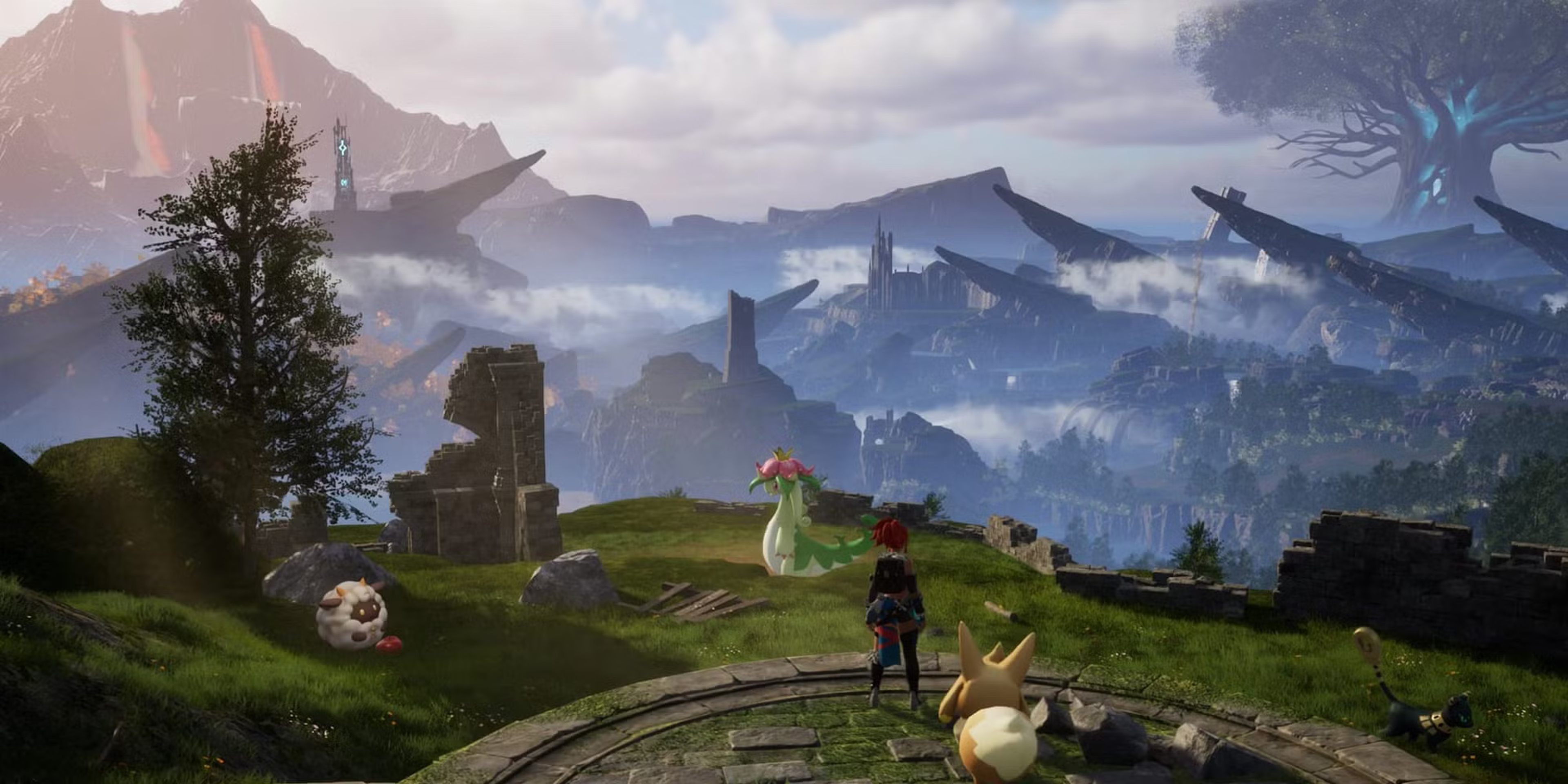
 1.0 Release AvailableAvailable On SteamAvailable On Xbox
Palworld Server Hosting
Deploy your Palworld server hosting instantly! Explore the massive 1.0 release with friends on a high-performance Palworld dedicated server designed for lag-free, multiplayer survival.

Choose Your Plan

Lamball
$16.99/Monthly

Grizzbolt
$21.99/Monthly

Jetragon
$26.99/Monthly


Exclusive Features
- Automatic Updates
- Auto File Validation
- Scheduled Restarts
- Automatic Backups
- Fully Configurable
- Full sFTP Access
- Control Panel
- 99.9% Uptime
- DDoS Protection
- 24/7 Support
- Global Locations
- Self-Serve Guides
- Low Latency
- Server Console
- Instant Setup
Play Palworld Multiplayer
Dive into the ultimate monster-collecting survival experience with the official 1.0 release!
Befriend and tame mysterious creatures called Pals in a monster-collecting survival game called Palworld! Craft, build, fight, and even tame boss Pals in the brand new multiplayer survival game Palworld. With Palworld server hosting you can get back to managing your Pal factories and spend less time managing your server!
Unlock the full potential of a Palworld dedicated server with Shockbyte, as we will grant you complete access to all configuration options and the ability to modify the full settings of your server.
Access Shockbyte's Support Team
Shockbyte's 24/7 support team is here to ensure your transition to the massive 1.0 release is completely seamless! Whether you're configuring newly added server settings, adjusting player limits, or managing your Palworld dedicated server, our experts are available around the clock. Paired with our comprehensive, self-serve knowledgebase articles, you'll have everything you need to customize your Palworld private server and get straight back to collecting Pals with friends and fighting legendary bosses!

Learn About Palworld Server Hosting
Become an expert Palworld server owner with our library of knowledgebase articles!

How To Play Palworld With More Than 4 Players
Want to play Palworld with more than 4 friends? No worries, check out our tutorial for it right here!

How To Setup & Join Your New Palworld Server
If you're just getting started, here's how to join your Palworld server.

The Best Place To Find Grizzbolt In Palworld
Good old Grizzbolt, who doesn't want to catch one?! Check out our video and find out where are the best locations to find it.

Shockbyte's ease of access
Shockbyte's ease of access to all of your files, video tutorials on how to edit your server to how you want, 24/7 support, and fair pricing on rental plans keeps me staying here with them as my go-to server rental! While I have to occasionally stop renting a server for financial issues, in the end I don't think I'd want to swap out to a different one!
Always used this for minecraft servers…
Always used this for minecraft servers with 0 problems, and today i had and isue with my server. I contacted support and got awesome help by Michael Y. and solved my problem in no time. Really happy with shockbyte in general: prices, ui, support,etc
Extremely good support and fast running…
Extremely good support and fast running servers. Lag on these servers are practically non-existent and I haven't had any issues with this server hosting besides slow support at times, but the wait is definitely worth it because they WILL help you with anything.
Frequently Asked Questions
Here are some of our new customers' frequently asked questions. If you still need help, you can check out our knowledgebase articles or contact support.
Palworld server hosting is a dedicated service that runs your game continuously on high-performance enterprise hardware. Unlike local co-op, which restricts you to 4 players and shuts down when the host logs off, a Palworld dedicated server supports up to 32 players and remains online 24/7. This ensures your automated bases keep producing resources and your friends can play anytime.