Table Of Contents
Changing Your Server NameStill have questions?
Come chat with us and we will get back to you as soon as possible!

Nuno Paiva
Game Integration Specialist @ Shockbyte

How To Change The Name Of Your Hytale Server
Hytale
·Jan 8, 2026
·2 min read
Giving your Hytale server a custom name is a fun way to add personality to your world. Whether you are going for something serious, silly, or creative, your server name helps set the tone for the adventure ahead.
#Changing Your Server Name
You can change your Hytale server name directly from the configuration panel.
- Access your Control Panel.
- Stop your server before making any changes.
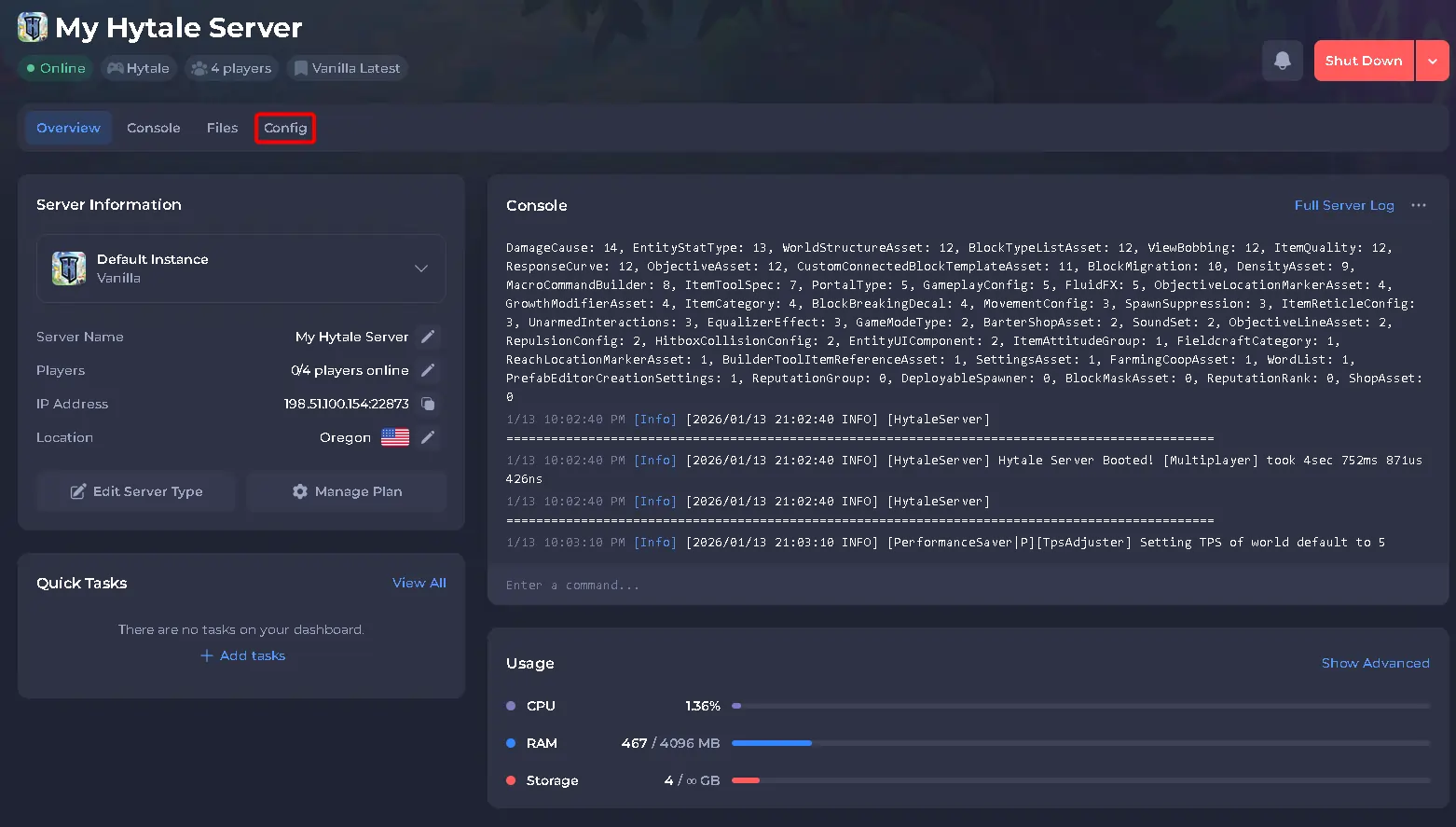
- Navigate to the Config tab.
- Locate the setting labeled Server Name.
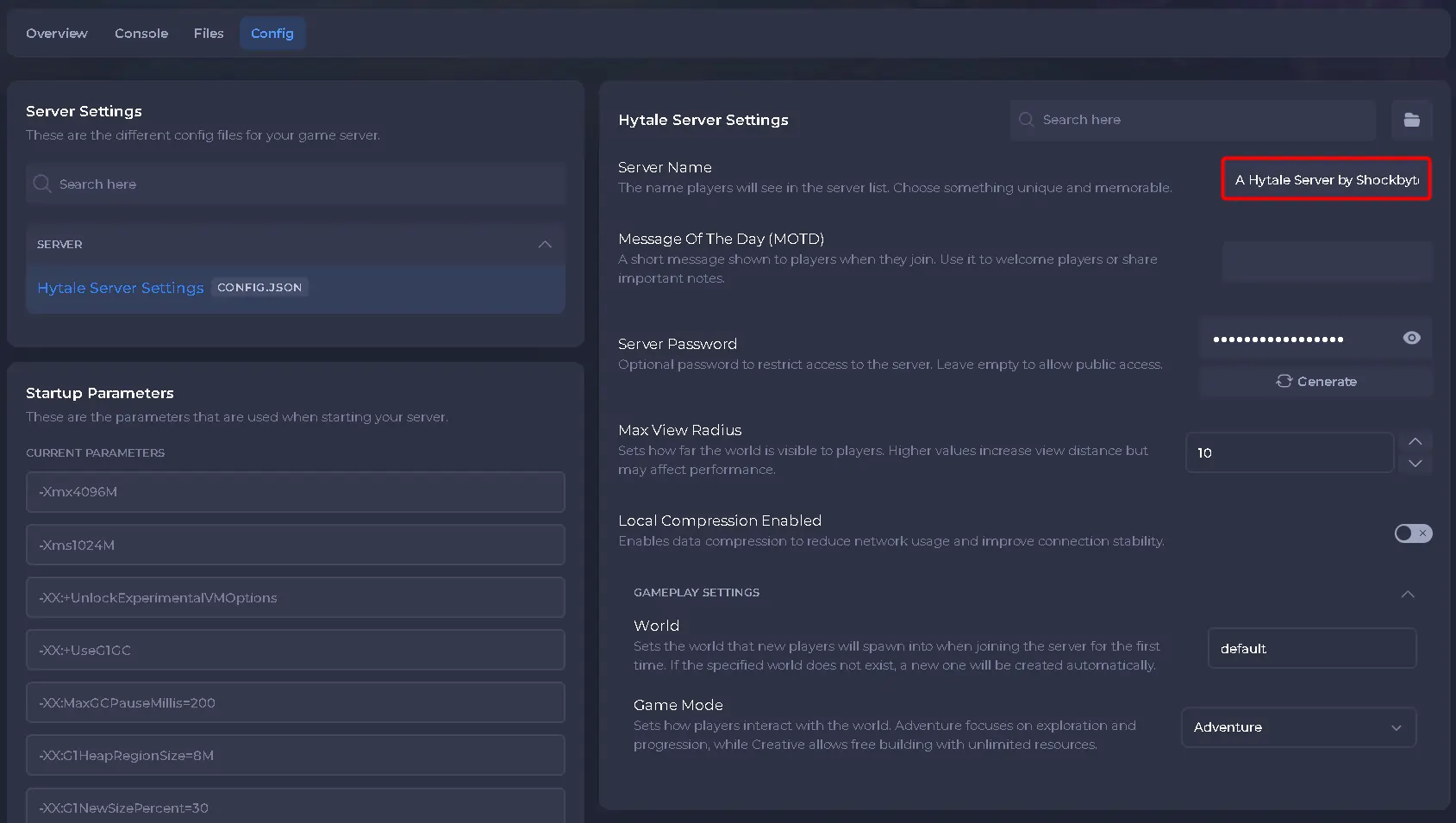
- Enter your preferred server name.
- Save the changes, then start your server.
Once the server is back online, your new server name will be active!