KnowledgebaseEuro Truck Simulator 2 (ETS2 & ATS)
How to Configure your Euro Truck Simulator 2 Server (ETS2 & ATS)
Still have questions?
Come chat with us and we will get back to you as soon as possible!

Ruben B
Partnership Manager

How to Configure your Euro Truck Simulator 2 Server (ETS2 & ATS)
Euro Truck Simulator 2 (ETS2 & ATS)
·Nov 9, 2024
·6 min read
Configuration can be a great way to personalise, improve, or bring variety to your ETS2 or ATS server.
Server owners can make changes to a range of settings including server's name, password, max number of AI, traffic, name tags and more!
#Accessing your Server Settings
Your primary server settings can be accessed using the Config Files section of your server's control panel.
- Access your control panel.
- Navigate to Config.
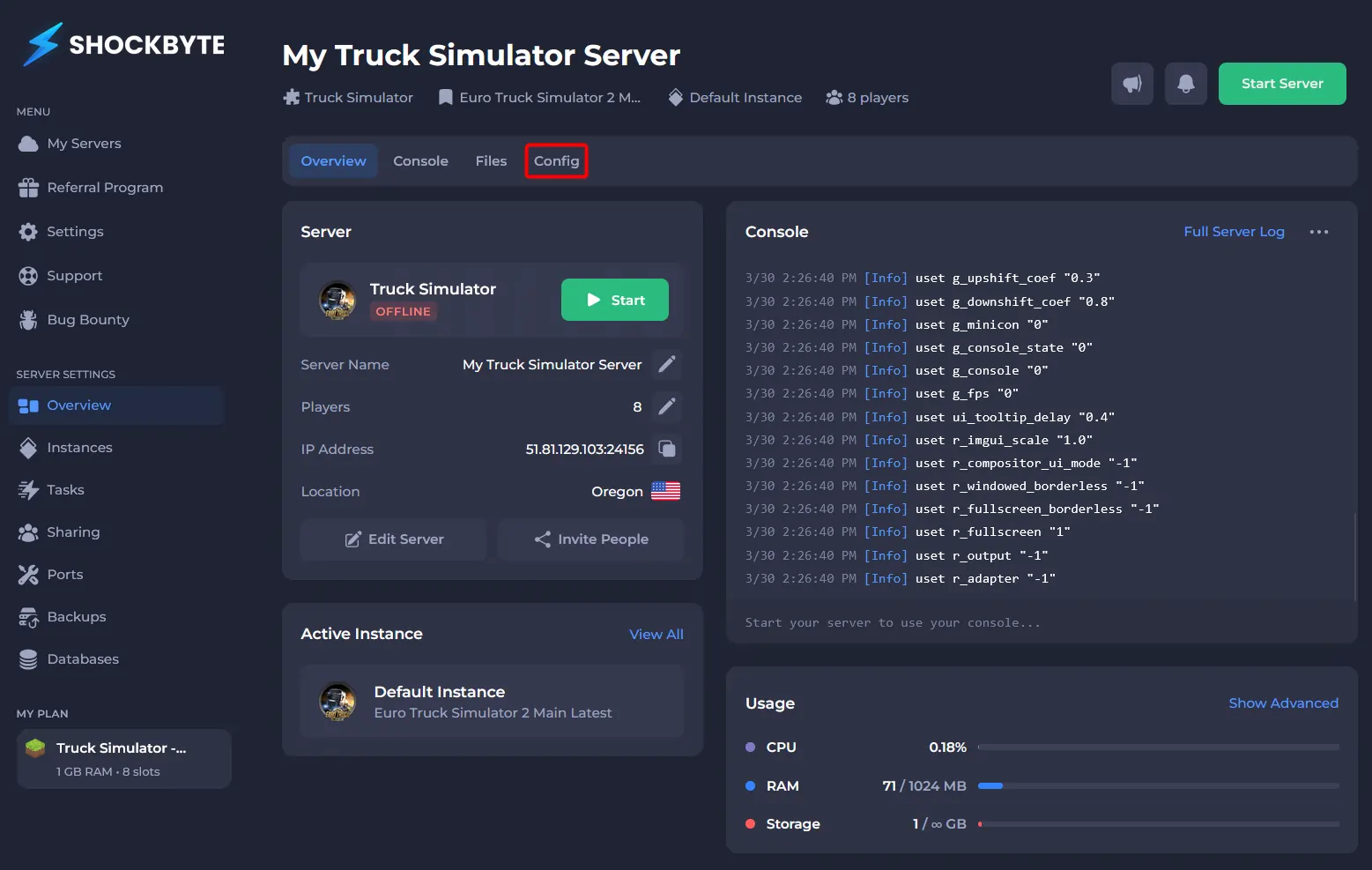
- Click Truck Simulator Server Config.
#Configuring your Server Settings
Once you have access to your server settings, you can make any required changes. The table below lists all of the available server settings.
| Setting | Default Value | Description |
|---|---|---|
| Automatic Steam Updates | Enabled | Controls if your server will update alongside Steam updates. |
| Public | Enabled | Controls if the server is displaying on the public server list. |
| Server Name | A Shockbyte Euro Truck Simulator 2 Server | Assigns a name to your server, which allows it to be found with the in-game server list. |
| Server Description | N/A | Assigns a description to your Euro Truck Simulator 2 server. |
| Server Welcome Message | N/A | Sets the Welcome Message shown to players upon connecting to your convoy. |
| Server Token | N/A | Assigns a GSLT token to the server. |
| Server Password | N/A | Controls if there is a password set to connect to your server. This can be used to make your server private. |
| Max Vehicles Total | 100 | The total number of AI vehicles allowed at one time. |
| Max AI Vehicles Player | 50 | The maximum number of AI Vehicles spawned around one player. |
| Max AI Vehicles Player Spawn | 50 | The maximum number of vehicles spawned when a player first joins the convoy. |
| Player Damage | Enabled | Enable/disable player collisions. |
| Show Traffic | Enabled | Controls whether traffic is shown to players connected to your convoy. |
| Hide in Company | Disabled | Enable/disable collisions of players in the menu. |
| Hide in No Collision Zone | Enabled | Enable/disable the hiding of players in no collision zones. |
| Force Speed Limit | Disabled | Controls whether the speed limiter is forced for players connected to your convoy. |
| Force Server Mods | Disabled | Enable optional mods. |
| Collision at Service Stations | Disabled | Disables collision at service stations. |
| In Menu Ghosting | Disabled | Controls whether players become ghosts (disabled collision) when browsing the menu. |
| Name Tags | Enabled | Controls whether players can see the name tags of other players connected to your convoy. |
| Friends Only | Disabled | If enabled, only friends will be allowed to connect to your convoy. |
| Show Server | Enabled | Controls whether your convoy is listed on the public server list. |
| Moderator List | N/A | Steam IDs of all moderators of your convoy. |