Still have questions?

Nuno Paiva
Game Integration Specialist @ Shockbyte

How to Join your StarRupture Server
When joining your Star Rapture server, you will need to use the server IP address and port provided in your Shockbyte panel. This guide walks you through the steps required to connect to your server in game.
#Getting Your Server IP and Port
Before launching the game, make sure you have your server connection details ready.
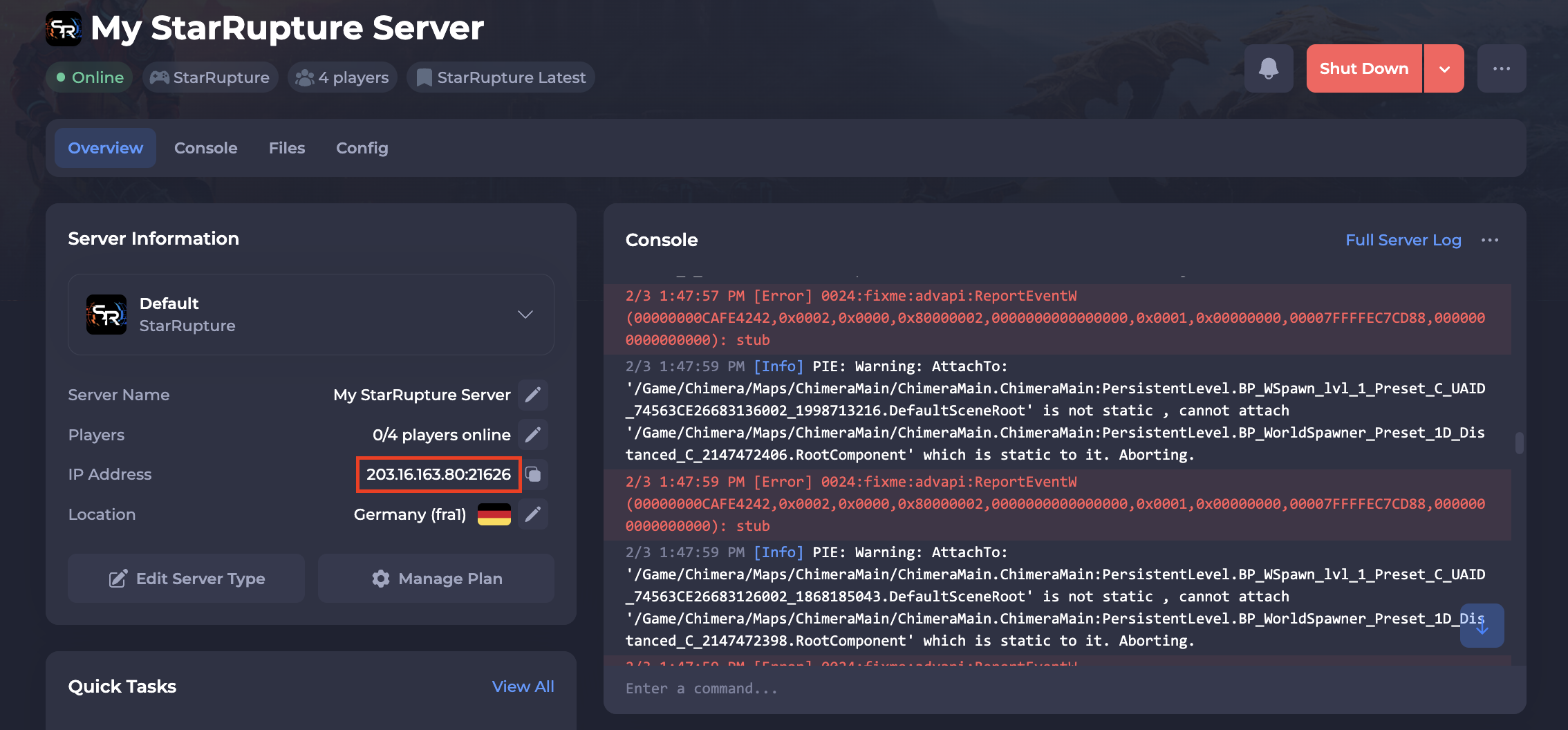
To find the IP address of your server, you will need to log in to your control panel. Once you’ve logged into your control panel, copy your server IP and port.
#Joining Your Server In Game
Once you have your server details, you can connect through the game client.
- Launch Star Rapture.
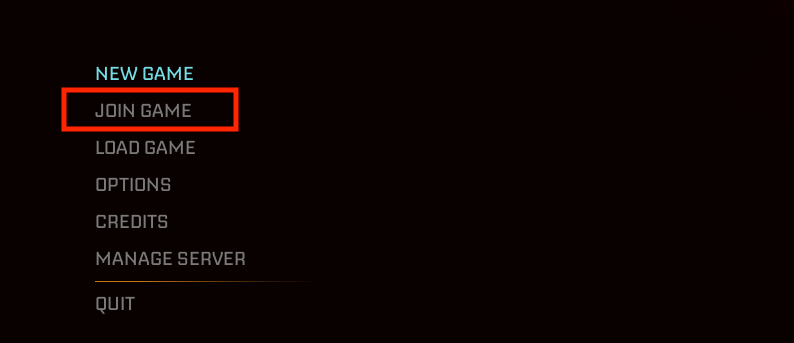
- From the main menu, select Join Game.
-
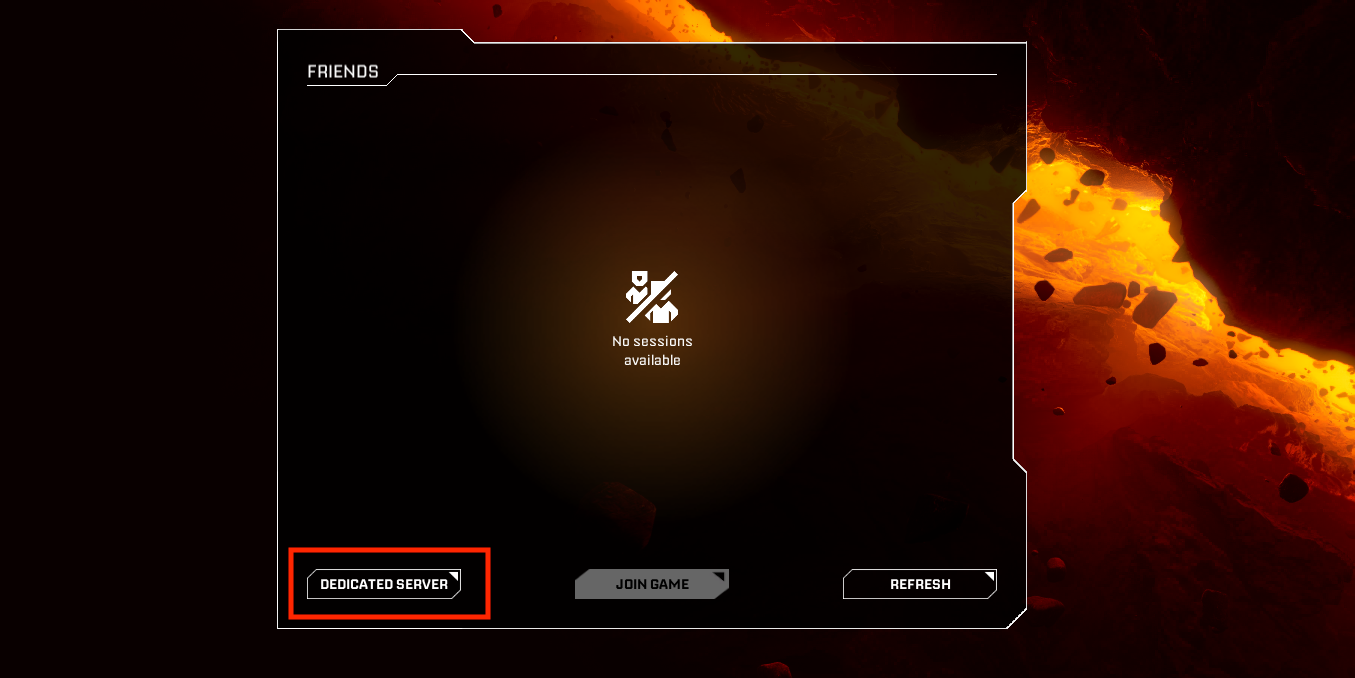
Choose Dedicated Server.
-
Enter the IP and Port using the IP:Port format.
-
Click Confirm to connect.
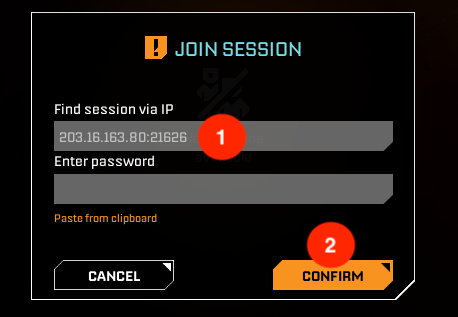
The game will begin connecting you to your server.
#Connection Help and Next Steps
Connection issues can happen from time to time, and we have a dedicated Star Rapture troubleshooting guide that covers the most common causes and solutions.
If you need extra help beyond the troubleshooting guide, our support team is always happy to assist: https://shockbyte.com/contact