 Build 42 Já DisponívelDisponível no Steam
Hospedagem de Servidor de Project Zomboid
Tudo pronto para sobreviver ao apocalipse zumbi? Nosso Hospedagem de servidor de Project Zomboid mantém suas aventuras de sobrevivência fluidas e sem atrasos. Forme equipes com seus amigos ou enfrente as hordas a qualquer momento!
Escolha Seu Plano

Wood Axe
R$60,23/Monthly

Metal Pipe
R$85,35/Monthly

Chainsaw
R$100,48/Monthly

Recursos Exclusivos
- Suporte a Mods
- 99,9% de Disponibilidade
- Proteção contra DDoS
- Localizações Globais
- Suporte 24/7
- Guias de Autoajuda
- Fácil Configuração
- Acesso Total FTP
- Backups Automáticos
- Baixa Latência
Jogue o modo multijogador de Project Zomboid
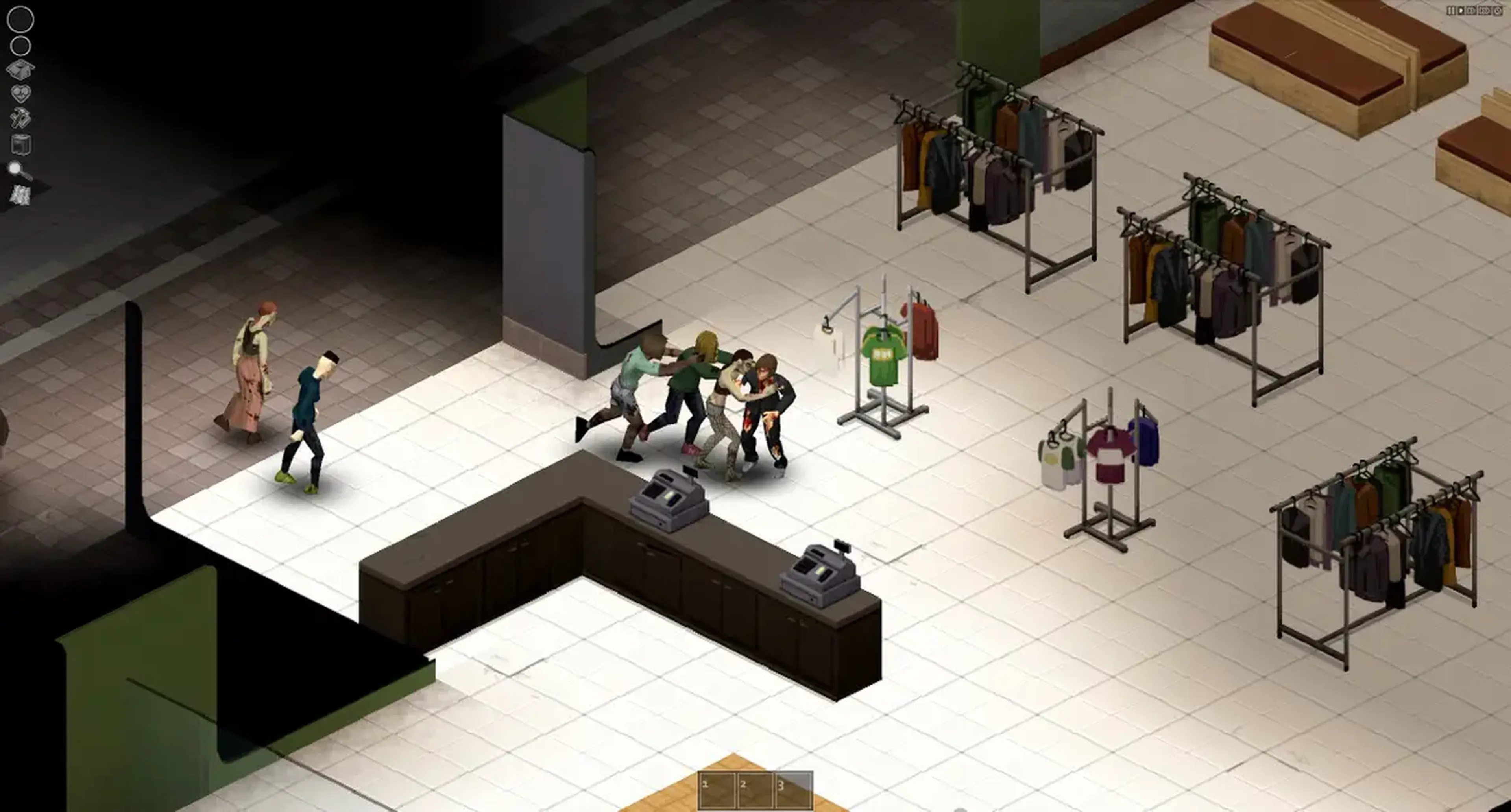
Sobreviver o apocalipse zumbi fica muito melhor com amigos! No modo multijogador do Project Zomboid, você e sua galera podem formar equipes para vasculhar por suprimentos, fortificar refúgios e enfrentar as implacáveis hordas zumbis juntos.
Hospede seu próprio servidor para poder controlar as definições de jogo, acrescentar mods e convidar seu esquadrão para desafios de sobrevivência infindáveis. Seja construindo defesas, fabricando armas ou apenas tentando sobreviver mais um dia, o multijogador traz ainda mais emoção e caos ao mundo de Project Zomboid. Tudo pronto para sobreviver em equipe?
Suporte Completo a Mods
Se tiver interesse em personalizar sua experiência no Project Zomboid, o mods da Oficina da Steam são a escolha certa! Pode confiar na Shockbyte e nosso processo de instalação super simples descrito em nosso guia útil. Dê uma olhada nele para aprimorar seu jogo!
Aprenda sobre a hospedagem de servidor de Project Zomboid
Aprenda a sobreviver com nosso conjunto de guias de servidor e tutoriais em vídeo!
Como configurar seu servidor de Project Zomboid
Garantiu seu servidor, mas não sabe como começar? Dê uma olhada nesse guia e aprenda a configurar seu servidor pela primeira vez.
Como acrescentar mods ao seu servidor de Project Zomboid
Mods são uma forma incrível de personalizar seu servidor e fazer com que ele se destaque. Para sua sorte, nossos servidores são compatíveis com os mods da Oficina de Project Zomboid.
Como entrar no seu servidor de Project Zomboid
Configurou o servidor e agora não sabe como entrar nele? Confira esse guia para aprender como fazer isso.
Facilidade de acesso da Shockbyte
A facilidade que a Shockbyte proporciona de acessar todos os arquivos, os tutoriais em vídeo sobre como personalizar seu servidor, suporte 24/7 e planos com preços justos são o que a tornam minha escolha número um quando quero alugar um servidor! Apesar de às vezes precisar interromper o aluguel de servidor por questões financeiras, eu não trocaria eles por nada!
Sempre usei o serviço deles para servidores de minecraft…
Sempre usei este serviço para servidores de minecraft sem problemas, mas hoje tive um problema com meu servidor. Entrei em contato com o suporte e o Michael Y. foi muito prestativo; graças a ele meu problema foi resolvido em questão de minutos. É tudo perfeito na shockbyte: os preços, interface, suporte, etc
Suporte de primeira e servidores…
Suporte de primeira e servidores muito rápidos. Praticamente não existe lag nesses servidores e não tive nenhum problema com hospedagem. O suporte às vezes pode ser lento, mas a espera vale a pena porque eles RESOLVEM mesmo qualquer problema.
Perguntas Frequentes
Aqui estão algumas das perguntas mais frequentes de nossos novos clientes. Se ainda precisar de ajuda, confira nossos artigos na Base de conhecimento ou entre em contato com o suporte.
Para entrar no seu servidor de Project Zomboid, você precisa de uma cópia do seu endereço de IP e porta, depois é só executar o jogo e clicar em "Entrar". Lá, dê um nome ao servidor, cole a sua porte e IP, preencha com seu nome de usuário, senha e clique em "Salvar".