
 Available On Steam
Counter Strike: Source Server Hosting
Ready to dive into classic tactical action? Our Counter-Strike: Source server hosting delivers smooth, lag-free gameplay. Customize your matches, invite friends, and dominate the battlefield anytime!
Choose Your Plan



Exclusive Features
- Plugin Support
- Custom Maps
- Custom Events
- SourceMod Support
- Custom Games
- 99.9% Uptime
- DDoS Protection
- Global Locations
- 24/7 Support
- Self-Serve Guides
- Easy Configuration
- Automatic Backups
- Low Latency
- Full File Access
Play Counter Strike: Source With Friends
Take your tactical multiplayer experience to the next level by hosting your own Counter-Strike: Source dedicated server. Whether you're organising competitive matches or casual fun with friends, hosting your own server gives you full control over maps, game modes, and player settings.
With your own server, you get to control the rules and enjoy endless hours of tactical FPS action with friends or community members.
Full Plugin Support
Unlock endless possibilities with full plugin support! Customize your Counter-Strike: Source server with plugins and add-ons to create unique game modes, maps, and features. Tailor your experience exactly how you want it!
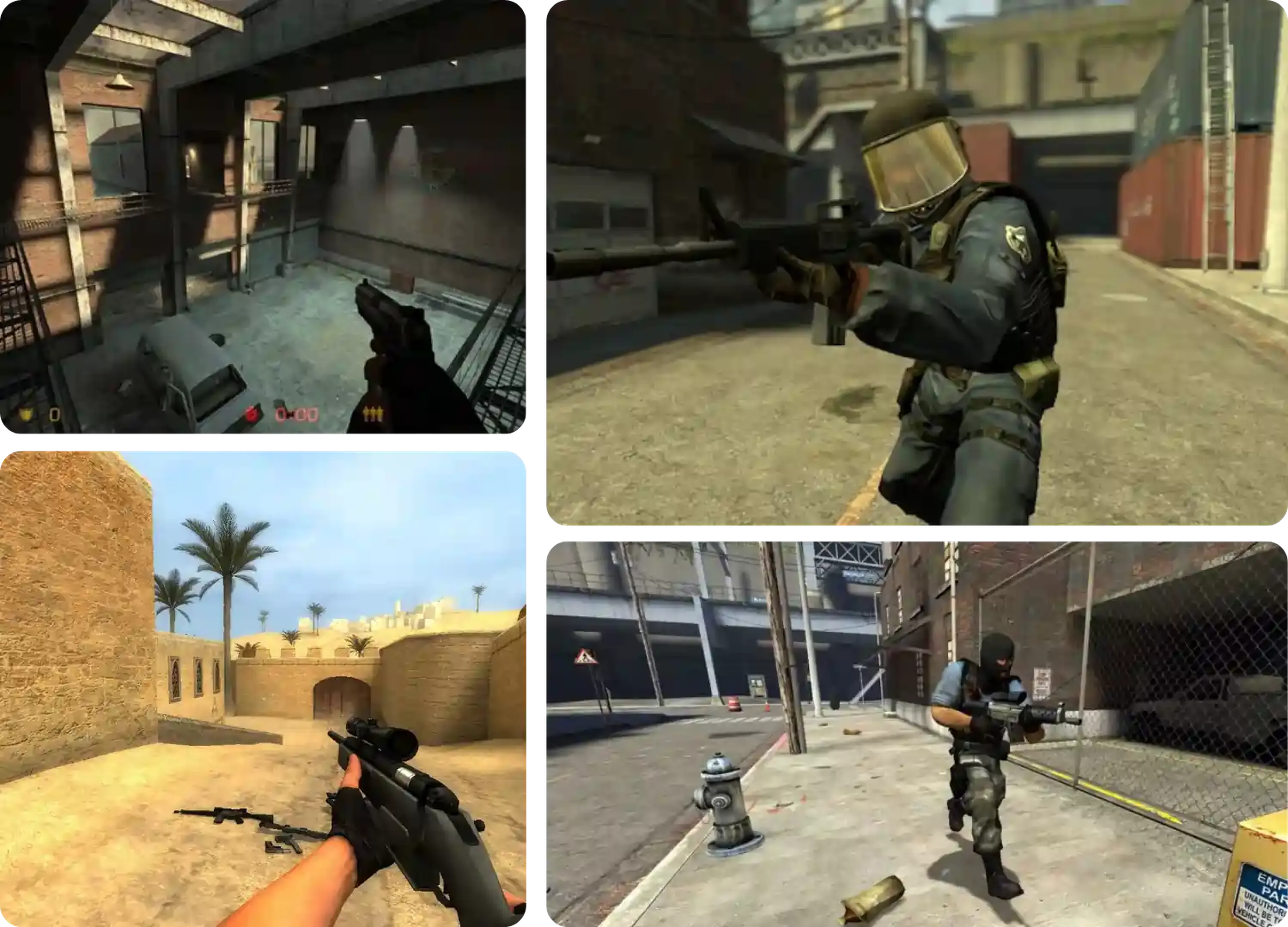
Learn About Counter Strike: Source Server Hosting
Get the most out of your Counter-Strike: Source multiplayer experience with our guides and tutorials.
How to Configure your Counter Strike: Source Server
Want to customise your server? Using the config manager, you can access a large variety of options to make it yours!
How to Install SourceMod Plugins on your Counter Strike: Source Server
Plugins can add a huge variety of content and features to your server, to differ away from the standard CS: Source experience. As a server owner, you can host custom games and custom events, or start your own surf server.
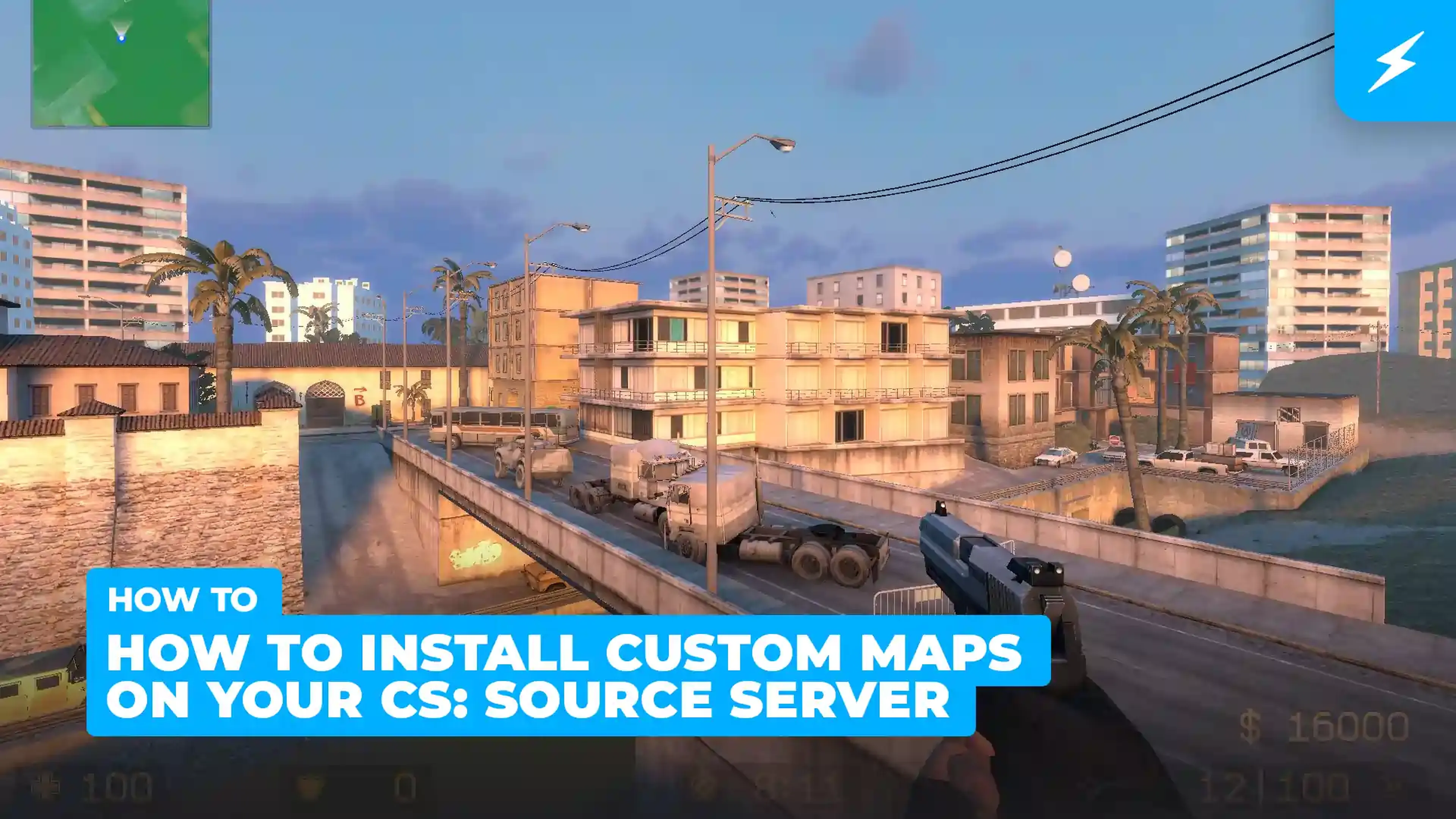
How To Install Custom Maps On Your Counter Strike: Source Server
Custom maps in CS: Source keep the game fresh, made by players for a new experience, boosting server activity.
Shockbyte's ease of access
Shockbyte's ease of access to all of your files, video tutorials on how to edit your server to how you want, 24/7 support, and fair pricing on rental plans keeps me staying here with them as my go-to server rental! While I have to occasionally stop renting a server for financial issues, in the end I don't think I'd want to swap out to a different one!
Always used this for minecraft servers…
Always used this for minecraft servers with 0 problems, and today i had and isue with my server. I contacted support and got awesome help by Michael Y. and solved my problem in no time. Really happy with shockbyte in general: prices, ui, support,etc
Extremely good support and fast running…
Extremely good support and fast running servers. Lag on these servers are practically non-existent and I haven't had any issues with this server hosting besides slow support at times, but the wait is definitely worth it because they WILL help you with anything.
Frequently Asked Questions
Here are some of our new customers' frequently asked questions. If you still need help, you can check out our knowledgebase articles or contact support.
To join a server, launch Counter-Strike: Source, navigate to the server browser, click on 'Favourites' and then 'Add a Server'. Type your server's IP address and add it to your favourites. From there, you can connect.