
 Available On Steam
DayZ Server Hosting
Ready to survive the zombie apocalypse in DayZ? Our DayZ server hosting is here to keep you alive and thriving.

Choose Your Plan

Berezino
$19.99/Monthly

Elektro
$28.99/Monthly

Cherno
$36.00/Monthly

Exclusive Features
- Self-Serve Guides
- 24/7 Support
- Automatic Backups
- DDoS Protection
- Low Latency
- 99.9% Uptime
- Full FTP Access
- Instant Setup
- Global Locations
- Automatic Updates
Play DayZ Multiplayer
Team up with friends and take on DayZ multiplayer on our DayZ dedicated servers.
Whether you're scavenging for supplies, building secure bases, or engaging in intense PvP battles, our servers deliver lag-free, high speed action. Say goodbye to frustrating lag and hello to seamless survival with your squad.
Full Mod Support
Want to customize your DayZ experience? Our servers support all your favorite mods, making it easy to tailor the game to your preferences.
From new weapons and vehicles to gameplay tweaks and custom maps, our mod-friendly setup opens up endless possibilities. Plus, we support popular tools like DZSA Launcher and DayZ Expansion, so you can enhance your server with ease.
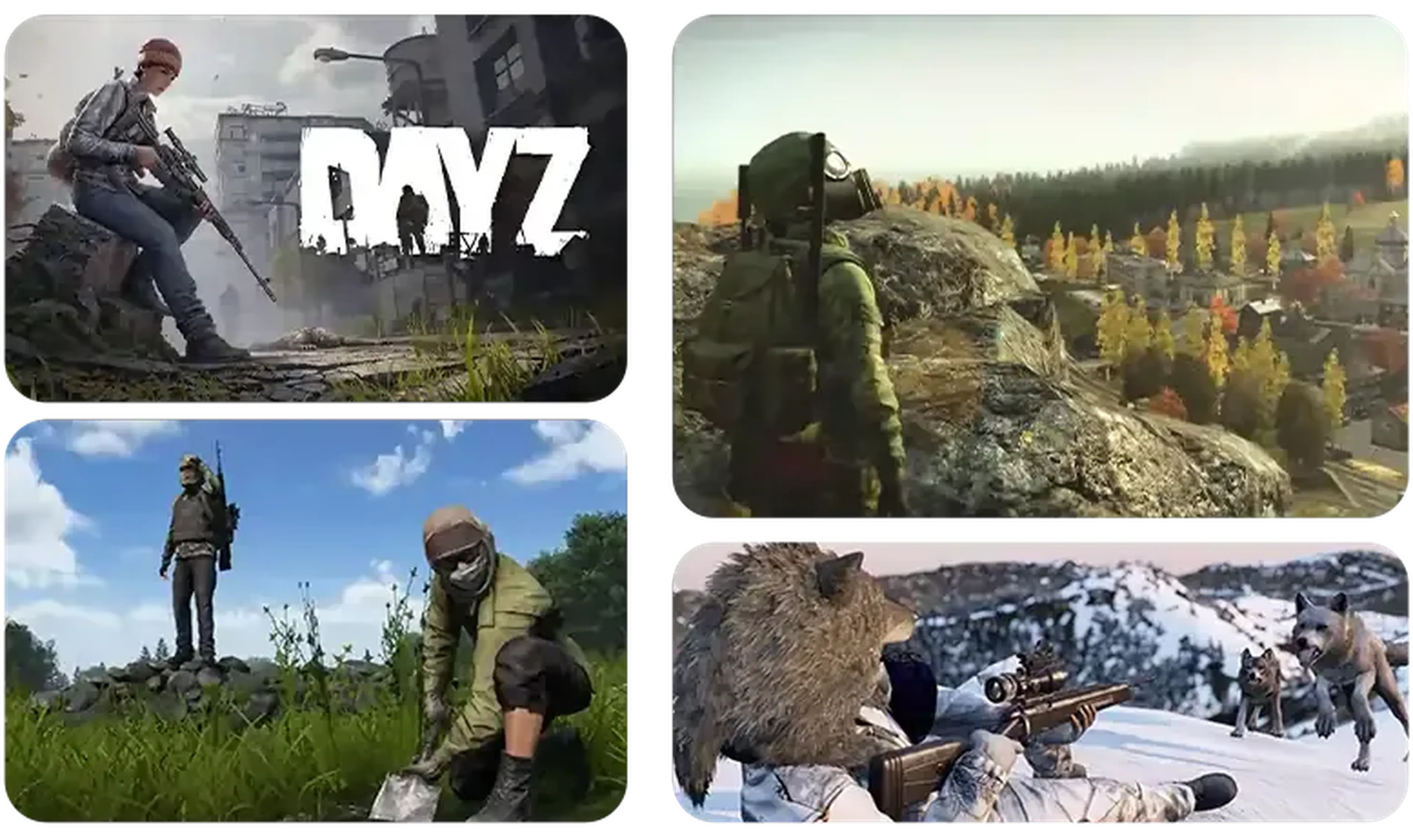
Learn About DayZ Server Hosting
Discover how to set up and customize your DayZ server for smooth, intense survival gameplay with friends. Control every aspect of your post-apocalyptic world!
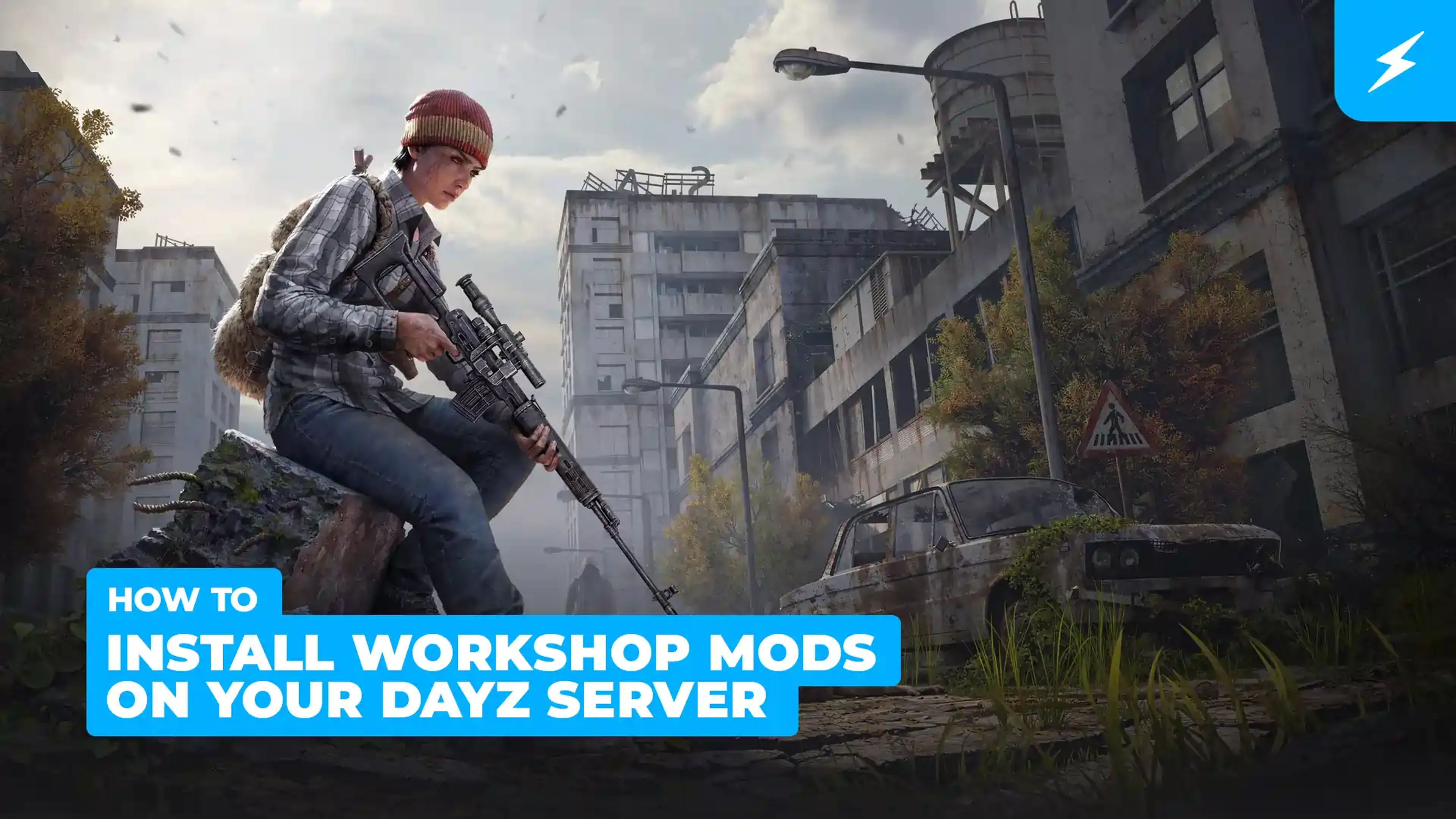
How to Install Workshop Mods on Your DayZ Server
DayZ supports a large number of mods from the vanilla game. You can easily get these up and running on your server!
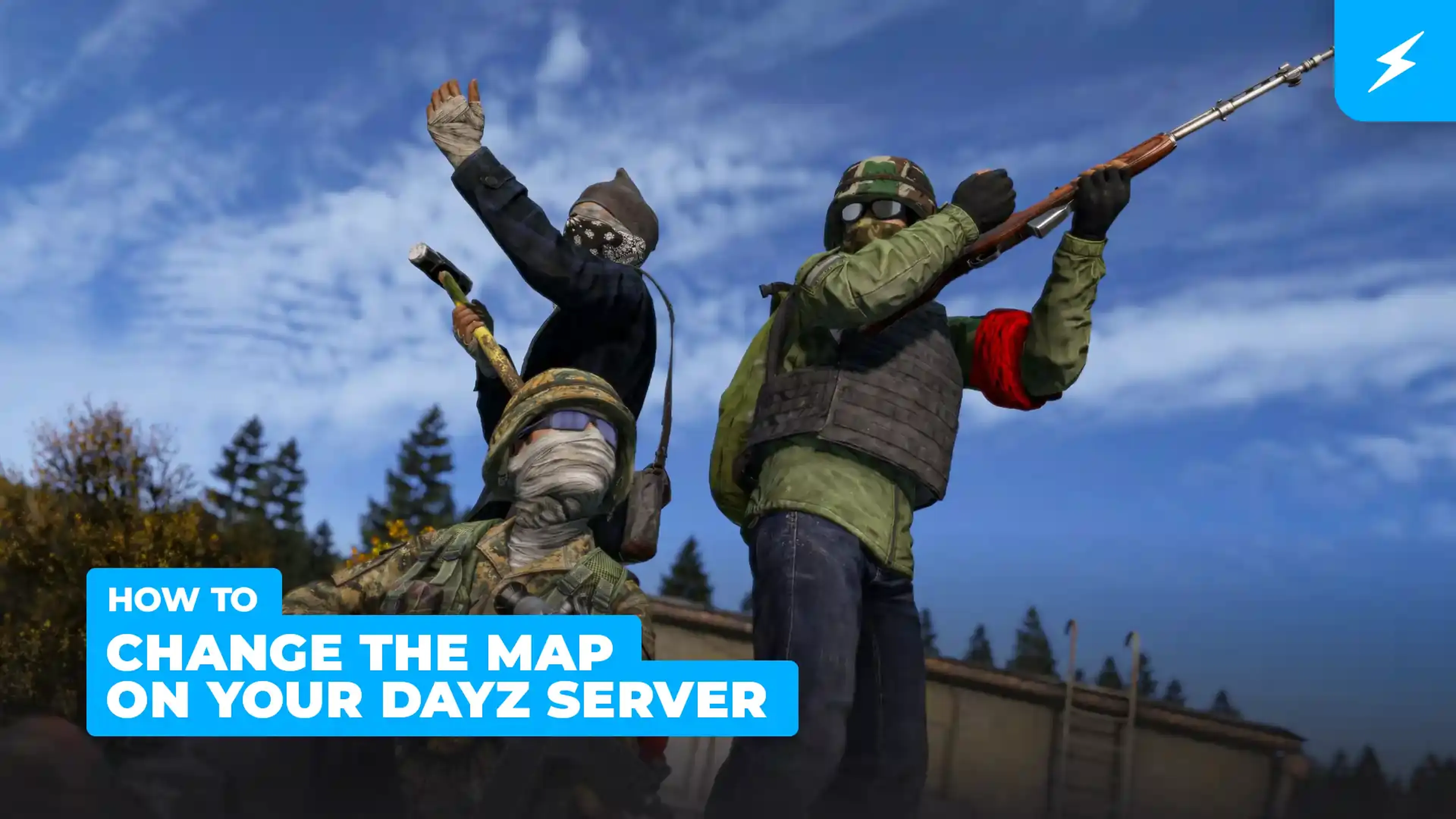
How to Change the Map on Your DayZ Server
Changing your map to Livonia is a great way to spice up your DayZ experience. It differs from Chernarus as it consists of condensed forests, rough terrain, countless lakes and the Biela River. However, players and the infected are not your only worry, as it is also covered in wildlife including deer, wolves, and bears.
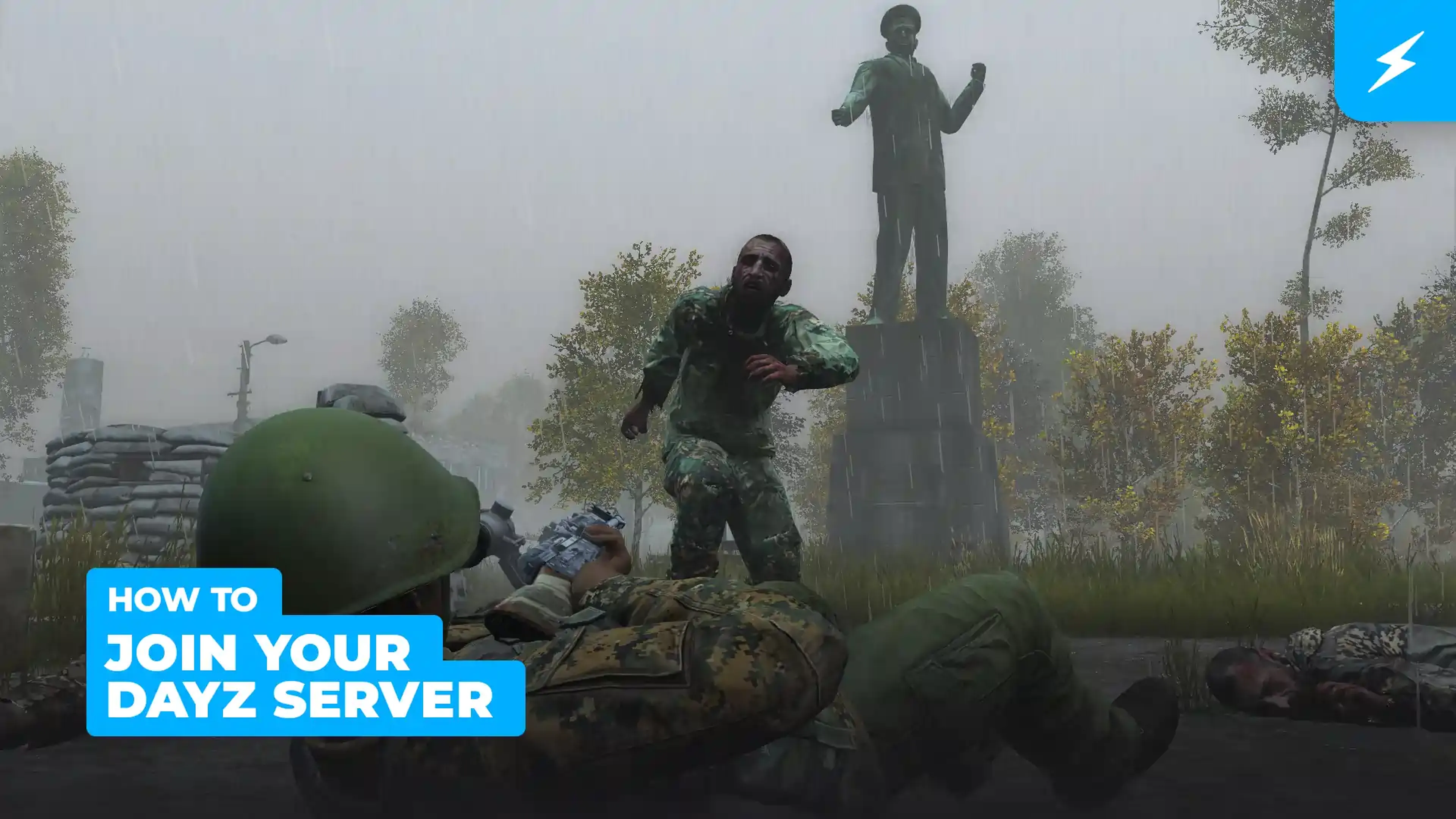
How to Join your American Truck Simulator Server
Are you all set? Just follow our easy step-by-step instructions to join your server!
Shockbyte's ease of access
Shockbyte's ease of access to all of your files, video tutorials on how to edit your server to how you want, 24/7 support, and fair pricing on rental plans keeps me staying here with them as my go-to server rental! While I have to occasionally stop renting a server for financial issues, in the end I don't think I'd want to swap out to a different one!
Always used this for minecraft servers…
Always used this for minecraft servers with 0 problems, and today i had and isue with my server. I contacted support and got awesome help by Michael Y. and solved my problem in no time. Really happy with shockbyte in general: prices, ui, support,etc
Extremely good support and fast running…
Extremely good support and fast running servers. Lag on these servers are practically non-existent and I haven't had any issues with this server hosting besides slow support at times, but the wait is definitely worth it because they WILL help you with anything.
Frequently Asked Questions
Here are some of our new customers' frequently asked questions. If you still need help, you can check out our knowledgebase articles or contact support.
To make a DayZ server with Shockbyte, sign up on our website and choose the DayZ hosting plan that best fits your needs. After completing your purchase, you'll receive an email with your server details and login information. Log into the Shockbyte control panel, configure your server settings to your preferences, and start your server. It's that simple – you're now ready to survive the post-apocalyptic world of DayZ with your own server!