
When your server gets cluttered with old unused player bases and loot storages, you may wish to reset your server.
Before making any changes to your server, you should create a backup should you want to revert your changes. You can create a server backup by following our guide here.
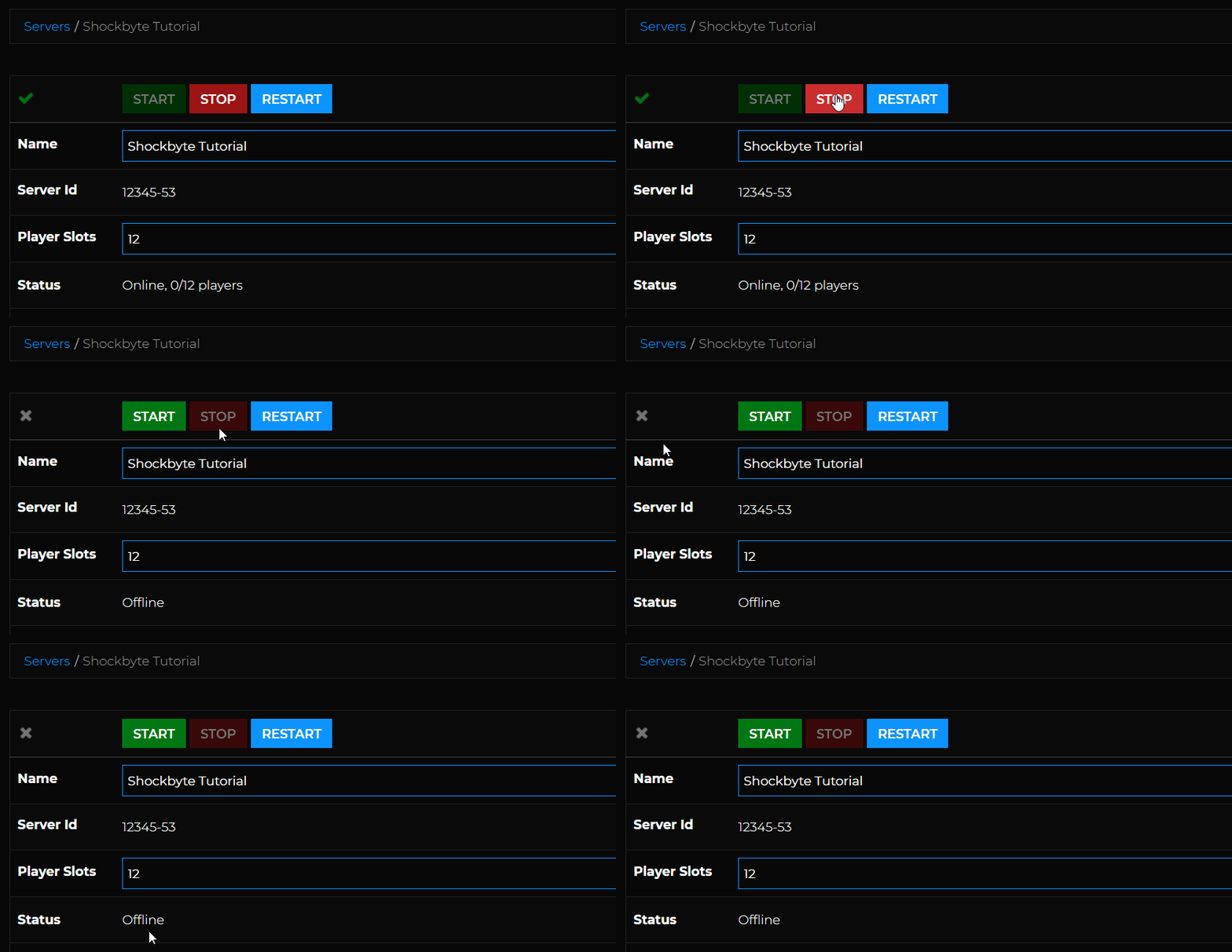
- Log in to your control panel and Stop your server.
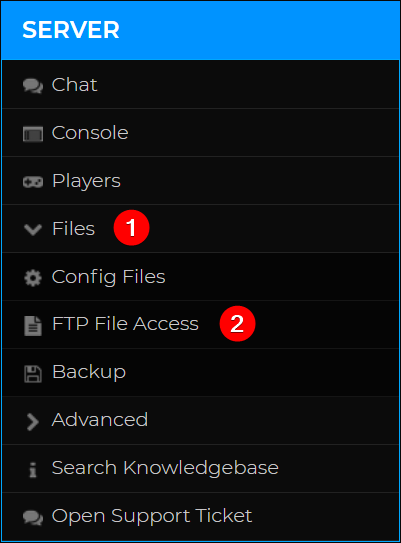
- Navigate to Files > FTP File Access.
- Navigate to
/mpmissions/ - Select the map you would like to reset, which should be your server’s active map template. For the Chernarus map this is
dayzOffline.chernarusplusand for the Livonia map this will bedayzOffline.enoch.
- Delete the
/storage_1/folder.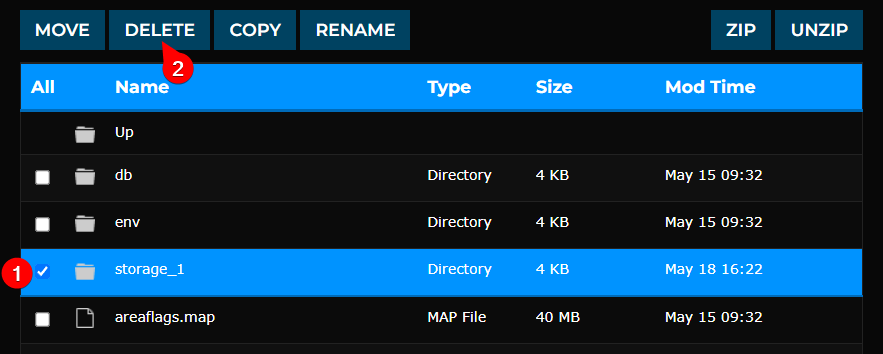
- Restart your server.
